
We’ve all been there—that sinking feeling when you realize a receipt you desperately need has vanished. Keeping a copy of a receipt is your financial safety net, turning a potential disaster into a minor inconvenience. It’s the key difference between a smooth warranty claim and a rejected one, or a successful expense report and money left on the table.
Why You Absolutely Need a Copy of Your Receipt
That little slip of paper is far more than just proof you bought something; it’s a critical piece of your financial life, both personally and for business.
Think about a freelance designer trying to deduct a new software subscription on their taxes. Without a clear receipt, that legitimate business expense could be disallowed, costing them real money. Or consider an employee who needs to get reimbursed for a client dinner—no receipt, no reimbursement. It's that simple.
These everyday situations show just how important receipts are. They're the foundation of good financial records, making sure every dollar is properly accounted for.
The Core Reasons for Keeping Receipt Copies
Having easy access to your proof of purchase is crucial for a few key reasons:
- Effortless Returns and Exchanges: Let’s face it, retailers almost always ask for a receipt. Having a copy, whether it's digital or paper, makes the whole process painless.
- Warranty Claims: When your new laptop or washing machine breaks down, the warranty is your best friend. But to actually use it, you have to prove when and where you bought the item.
- Accurate Expense Reporting: For anyone in business, keeping track of expenses is non-negotiable. It's essential for getting reimbursed and staying compliant with company policy.
- Tax Deductions and Audits: Come tax time, receipts for business expenses, charitable giving, or medical costs are your primary evidence. If you’re ever audited, not having that documentation can lead to serious penalties.
Shifting from a shoebox full of crumpled paper to organized digital files isn't just a matter of convenience anymore—it's a necessity. An easily searchable digital copy saves you from faded ink, accidental loss, and the stress of hunting for a tiny piece of paper months after the fact.
At the end of the day, keeping copies of your receipts helps you build a solid financial history. It gives you the confidence to manage your money effectively, run your business smoothly, and be ready for any situation that demands solid proof of purchase.
Getting a Copy of a Receipt From Any Business
We’ve all been there—that sinking feeling when you realize a crucial receipt is missing. Whether it's for a big-ticket warranty claim or a simple expense report, a lost receipt can feel like a major headache. But don’t panic. It's usually not a dead end.
Most businesses can dig up a transaction for you, provided you can give them a few breadcrumbs to follow. The easiest path is always to go straight to the source: the store or service provider.
Before you pick up the phone or head back to the store, a little prep work goes a long way. The more specific you are, the easier it is for an employee to pinpoint your transaction in their point-of-sale (POS) system.
This quick decision-making guide can help you figure out if you really need that physical copy for things like returns, expense reports, or warranty claims.
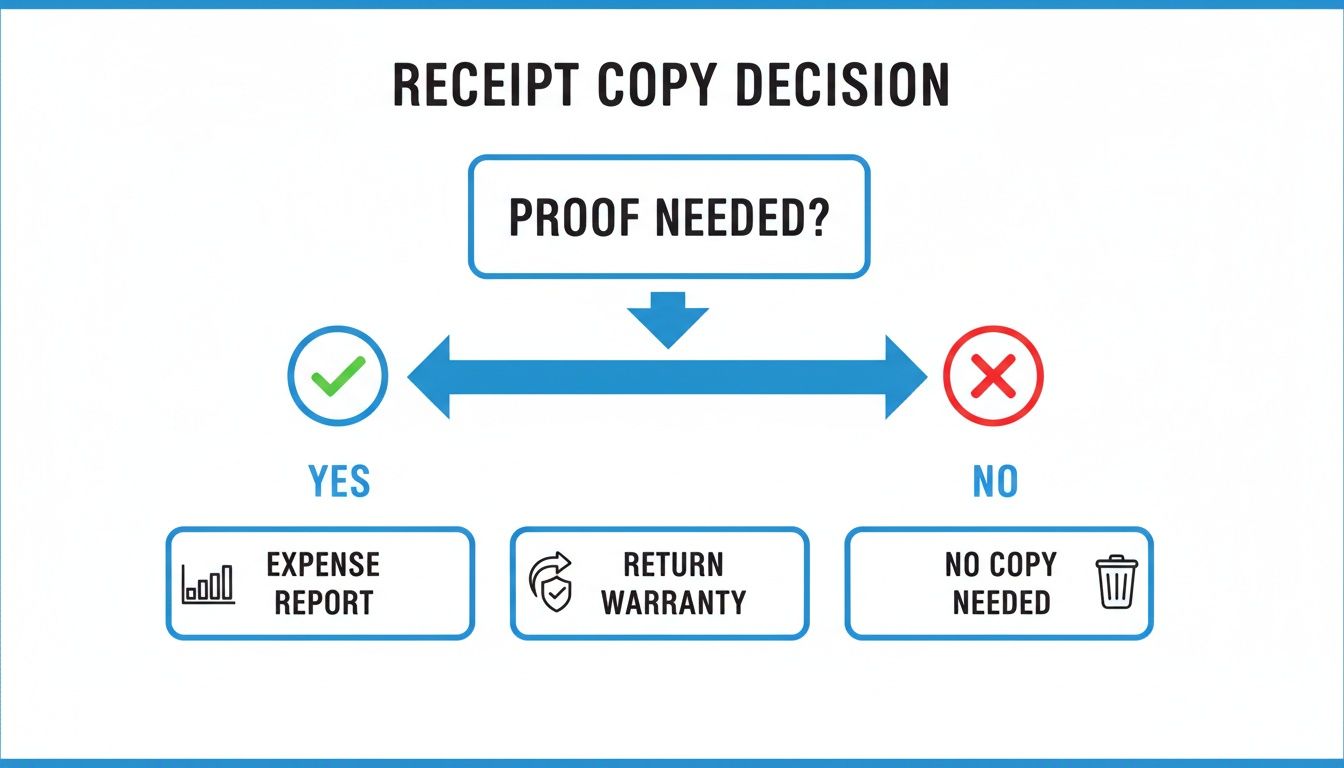
As you can see, the reason you need the receipt often dictates how hard you need to search for it.
What to Have Ready Before You Ask
To give yourself the best shot at success, try to have this information handy. Vague requests like "I bought something last week" are tough to work with, but solid details make all the difference.
- The Exact Date and Approximate Time: This is your most powerful tool. It narrows their search from thousands of transactions down to just a handful.
- The Total Purchase Amount: Knowing the exact total helps them spot your purchase in a sea of other sales from that day.
- How You Paid: Did you use a credit card, debit, or cash? If you paid by card, providing the last four digits is often the magic key to finding the record instantly.
- A List of Items: Can you remember a few specific or unique things you bought? Naming an item or two helps them confirm they’ve found the right transaction.
Check Your Digital Footprint First
If you strike out with the business directly, you've still got other avenues. It's worth remembering that many retailers now send digital receipts by email as a standard practice. Before you do anything else, try a quick search in your inbox for the store’s name—you might just find the receipt waiting for you.
Don't forget that your financial statements can be your backup. A credit card or bank statement clearly shows the vendor, date, and amount, which is often enough proof for a return or to get an expense report approved.
Lots of companies also tie your purchase history to a customer account or loyalty program. Just log in to the retailer’s website or app and look for an "Order History" or "My Account" section. More often than not, you can download or print copies of receipts right from your dashboard. This is almost foolproof for online orders, since a digital record is automatically created and tied to your profile.
How Businesses Can Easily Reissue a Lost Receipt
As a business owner, you've been there. A customer calls or emails asking for a copy of a receipt from a transaction that happened weeks, or even months, ago. It's a common request. While your first instinct might be to dive into your Point of Sale (POS) system, that's often easier said than done. What if the sale was old, paid in cash, or just stubbornly refuses to show up in your records?
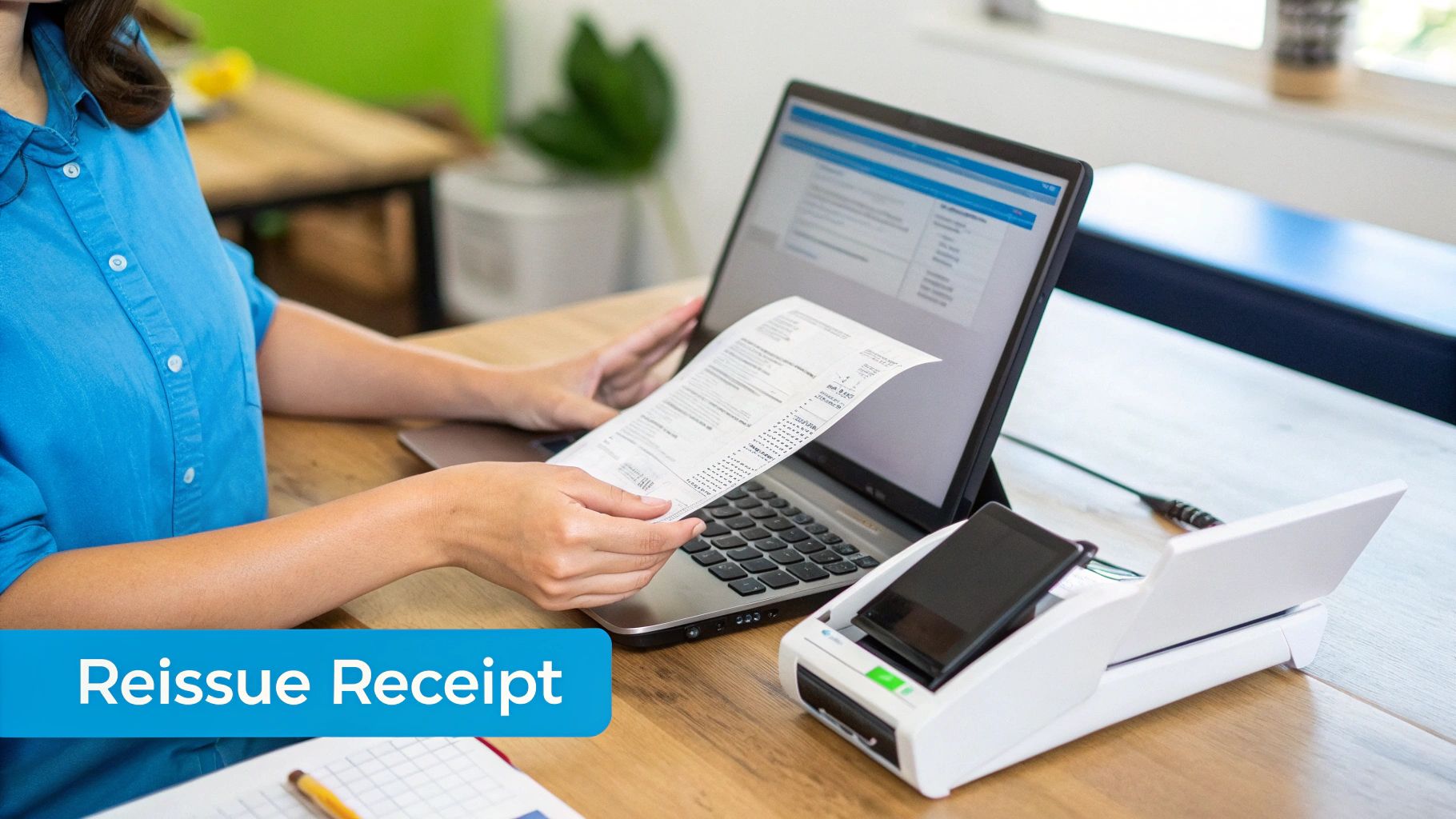
Instead of burning precious time on a frantic search, a good receipt generator offers a much cleaner, more professional fix. It gives you the power to create accurate copies of receipt in just a few moments, so your customer gets what they need without throwing your whole day off track. This simple act solves their problem and subtly reinforces that your business is on top of its game.
A Real-World Business Scenario
Let's put this into perspective. A client from your landscaping company calls you in a panic. They need a receipt for that big backyard overhaul you did three months ago to finalize their tax filings. Digging through old paper files or trying to wrangle a specific report out of your POS history sounds like a nightmare.
This is where a tool like ReceiptGen comes in. You can simply pull up the template, punch in the service details, original date, and payment info, and generate a perfect, professional-looking duplicate. From there, you can email it directly to your client. What could have been a frustrating time-sink becomes a shining example of great customer service. If you need a versatile option, you can learn more about how to create a generic business receipt that works for nearly any industry.
The Value of Instant Digital Proof
Being able to provide documentation quickly isn't just a matter of convenience; it’s about building and maintaining trust. When you can produce a polished copy of a receipt on demand, it shows your clients you’re organized, efficient, and reliable.
This kind of agility is becoming more important every day. The world of commerce is rapidly shifting, and the digital receipt market is expected to surge from $2.015 billion in 2025 to a massive $9.145 billion by 2035. This huge growth underscores a clear demand for instant, accessible solutions for everything from expense reports to warranty claims.
A recreated receipt that perfectly mirrors the original transaction is more than just a piece of paper. It serves as crucial proof for your customer's records and speaks volumes about your commitment to professional service, long after the job is done.
At the end of the day, having a reliable way to reissue copies of receipt is a small operational detail that delivers a huge return. It keeps your customers happy, cuts down on your administrative workload, and ensures your records are always clean and professional. It’s a proactive approach that saves everyone time and solidifies your reputation as a business that has its act together.
Creating Reliable Digital Receipts for Expense Reporting
For anyone who has ever wrestled with an expense report, a lost paper receipt feels like losing cash. It’s a frustratingly common problem. The best way to sidestep this headache is to create solid digital backups right away—turning a tedious chore into a simple, reliable process.
The trick is to make a digital copy the moment you get the receipt. We’re not talking about a quick, blurry phone picture either. The goal is to create clear, standardized copies of receipt that will pass muster with any accounting department or auditor. This becomes absolutely essential when you've paid with cash or the original receipt is already faded, torn, or just plain unreadable.
A clean digital record guarantees every expense is documented perfectly, making it a breeze to upload to accounting software and keep your financial records audit-proof.
How to Standardize Your Digital Copies
Think about a project manager who grabs some last-minute materials using petty cash. The original receipt ends up crumpled in a pocket. Instead of submitting a mess, they can use a tool like ReceiptGen to recreate a perfectly clear, itemized receipt. Every item, tax, and store detail is captured, leaving no room for questions.
You can learn more about how an itemized receipt template can help you create professional-looking records every time.
Adopting a standard format for all your digital copies just makes sense. Here’s why:
- No More Guesswork: Clear digital text means you're not trying to decipher faded ink or confusing abbreviations.
- Effortless Sorting: A consistent layout helps accounting software automatically categorize your expenses correctly.
- A Professional Touch: Submitting organized, uniform receipts shows you’re on top of your game.
This isn't just a niche habit; it's where financial record-keeping is headed. The global digital receipts market is expected to jump from $1.732 billion in 2024 to a massive $9.145 billion by 2035, which tells you everything you need to know about their growing importance.
A well-made digital copy is more than a backup. It’s a verifiable financial document that brings legitimacy and clarity to your expense claims, bridging the gap between a quick cash purchase and a fully documented business expense.
Digital vs Paper Receipt Management
To truly grasp the benefits of making the switch, it helps to see a direct comparison. Managing digital receipts with a tool like ReceiptGen offers distinct advantages over shuffling stacks of paper.
| Feature | Digital Receipts (Using ReceiptGen) | Paper Receipts |
|---|---|---|
| Accessibility | Instantly accessible from anywhere on any device. | Physical access required; vulnerable to being lost. |
| Durability | No fading or physical damage; cloud-based copies are secure. | Fades over time, easily torn, damaged, or misplaced. |
| Organization | Easily searchable, sortable, and categorized for quick retrieval. | Requires manual filing, sorting, and storage space. |
| Readability | Always clear and legible, with standardized formatting. | Can be hard to read due to poor printing or wear. |
| Expense Reporting | Simplified process; easily attaches to digital expense reports. | Requires manual scanning or photographing. |
| Environmental Impact | Reduces paper waste and the need for physical storage. | Contributes to paper consumption and waste. |
Ultimately, a digital-first approach not only saves time but also creates a more resilient and organized financial system for you or your business.
As you get your documents in order, it’s also smart to be clear on what you're working with. Getting a handle on understanding the difference between an invoice and a receipt is fundamental for keeping your reports accurate. By making these practices a regular habit, you shift from reacting to financial chaos to proactively managing it, saving yourself a ton of time and preventing lost reimbursements.
Best Practices for Organizing Your Receipt Copies
Having copies of your receipts is one thing, but keeping them organized is what truly matters. A solid system can be the difference between a smooth tax season and a frantic, last-minute search for a tiny piece of paper. The first thing to get a handle on is how long you actually need to keep everything.
As a general rule, the IRS suggests holding onto records for three years after you file your return. But, that can jump to seven years in certain cases, so a long-term storage plan is a must. Honestly, going digital is the most practical way to handle this.
Establish a Clear Digital Filing System
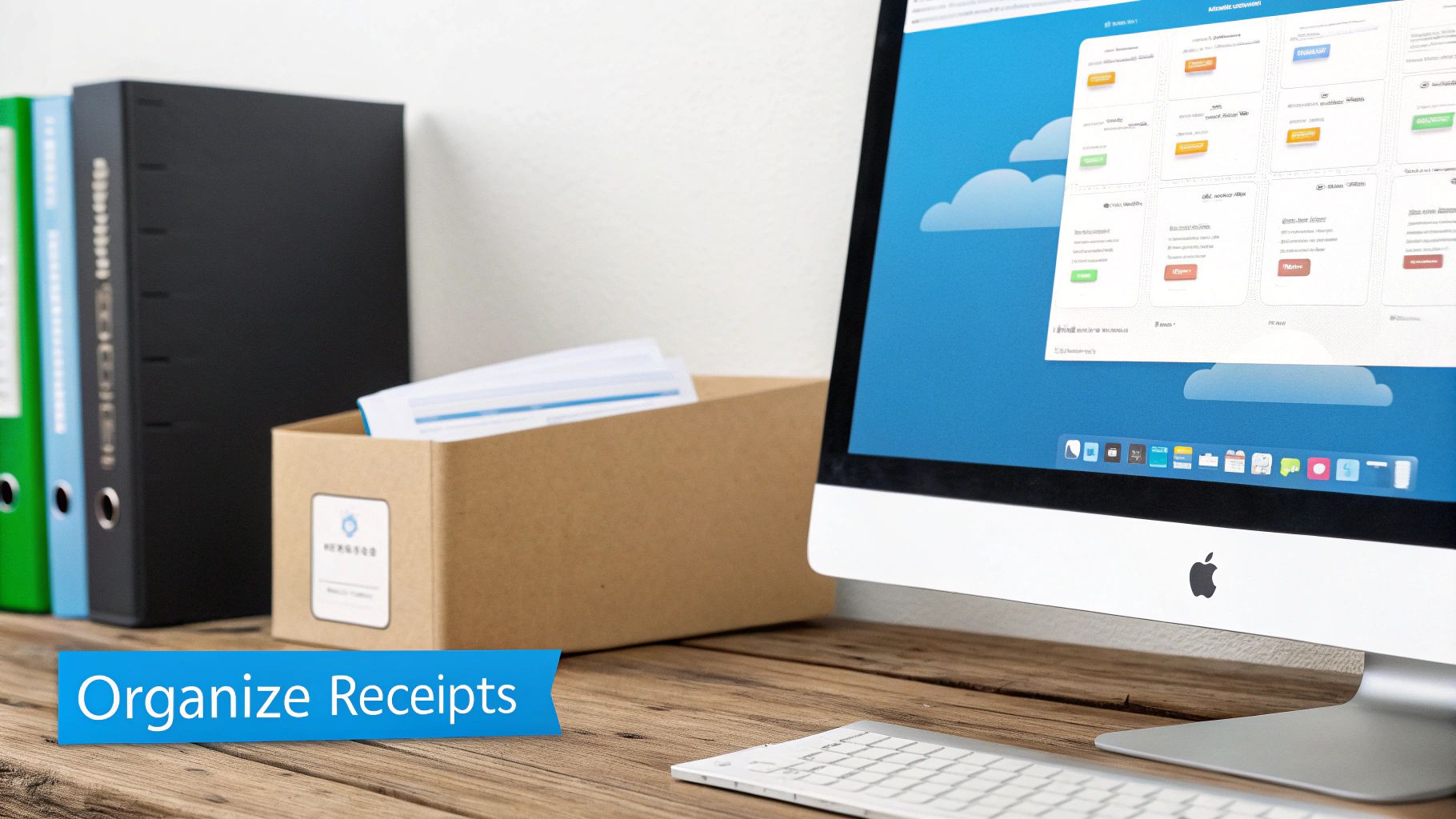
The secret to a system that actually works is consistency. I always recommend starting with a main "Receipts" folder in a cloud service like Google Drive or Dropbox. This keeps your files safely backed up and lets you access them from anywhere.
From there, break it down with subfolders for each year. This simple move makes it incredibly easy to pull everything you need for a specific tax period.
Inside each year's folder, get more specific with categories that make sense for you:
- Business Expenses: You can go even deeper here with folders for Travel, Software, Office Supplies, and so on.
- Personal Finances: Think about creating folders for Medical, Home Improvement, or Charitable Donations.
- Warranties: This is the perfect spot to stash receipts for big-ticket items so you can find them in a pinch.
A foolproof naming convention is the final, crucial piece. I've found that a standard format like 'YYYY-MM-DD_Vendor_Amount.pdf' makes your files instantly searchable. It essentially turns your digital folder into a powerful, easy-to-use database.
This level of detail means you can find any specific receipt in seconds, not hours. If you're still dealing with paper, it helps to learn how to effectively organize paperwork at home.
For more ideas on managing your financial documents, check out our guide on using Excel receipt templates to make record-keeping a bit easier. Once you have a good system in place, managing your copies of receipt becomes a simple, stress-free part of your routine.
Common Questions About Getting Receipt Copies
When you're trying to keep your financial records straight, a few questions always seem to come up, especially when you're scrambling to find proof of purchase. It can feel a little confusing trying to figure out what’s acceptable when it comes to digital or recreated documents, but the answers are usually pretty simple.
Getting a handle on things like the validity of a recreated receipt, what to do about cash sales, and how long to hang onto your records can save you a world of headaches later on. It’s really just about knowing the best way to manage your financial paperwork.
Is a Recreated Receipt Legally Valid?
For most day-to-day business needs, like expense reports or internal bookkeeping, a carefully recreated receipt is perfectly fine as long as it accurately mirrors the original transaction. Of course, for something as serious as an official audit, the original is always king.
But, a well-made duplicate, especially when backed up by a matching bank or credit card statement, provides pretty solid evidence. Using a professional tool like ReceiptGen helps make sure all the critical details—vendor info, date, line items—are formatted correctly, which adds a lot of credibility.
Can I Get a Receipt Copy if I Paid With Cash?
This one is definitely trickier. Cash sales don’t leave that neat electronic trail we get with card payments. Your best bet is always to contact the vendor first. Give them the exact date, time, and as many details about the purchase as you can remember.
If they can't track it down, your next move is to create a detailed duplicate for your own records. Just be sure to make a note that it's a recreation of a cash purchase. This is often perfectly acceptable for internal expense claims, though it might need a bit more explanation for more formal purposes.
The key is transparency. A recreated receipt for a cash payment, when clearly identified as such, is far better for your records than having no documentation at all. It demonstrates a good-faith effort to maintain accurate financial logs.
How Long Should I Keep Copies of Receipts?
For tax purposes here in the U.S., the IRS generally recommends keeping business-related receipts for at least three years from the date you filed your tax return.
That said, some situations call for holding onto them longer. For example, if you're claiming a loss from bad debt, you should keep those records for seven years. This is where digital storage is a lifesaver—it makes it easy to stay compliant without drowning in paper.
Ready to create professional, accurate copies of receipt in seconds? With ReceiptGen, you can generate customized receipts for any transaction, ensuring your expense reports and financial records are always complete. Try it for free at https://receiptgen.com.