In any business, clear and accurate documentation isn't just good practice-it's essential for bookkeeping, expense tracking, and maintaining client trust. A well-structured sample business receipt serves as a legal proof of purchase, simplifies tax preparation, and reinforces your brand's professionalism. Yet, creating a polished receipt from scratch for every transaction is time-consuming and prone to errors, especially when you need specific formats for different industries.
This guide solves that problem by providing a definitive collection of high-quality, editable sample business receipt templates. We will analyze examples for common scenarios, including restaurants, supermarkets, service providers, and expense reimbursements. Each option is designed to be a reliable foundation for your financial record-keeping.
You will find a strategic breakdown of each receipt's key components, from required fields like itemized lists and tax information to branding elements like logos. We also provide actionable customization tips and quick instructions for generating your own professional receipts in seconds. Whether you're a freelancer preparing an invoice or a retail manager standardizing your point-of-sale documents, this list offers the practical tools and insights you need to streamline your operations.
1. ReceiptGen
ReceiptGen establishes itself as a premier online tool for generating a high-quality sample business receipt, blending remarkable speed with deep customization. It’s an ideal solution for small businesses, freelancers, and administrators who need polished, professional receipts without the complexity or cost of accounting software. The platform’s core strength lies in its ability to produce a fully tailored receipt in under a minute, streamlining a critical but often tedious administrative task.
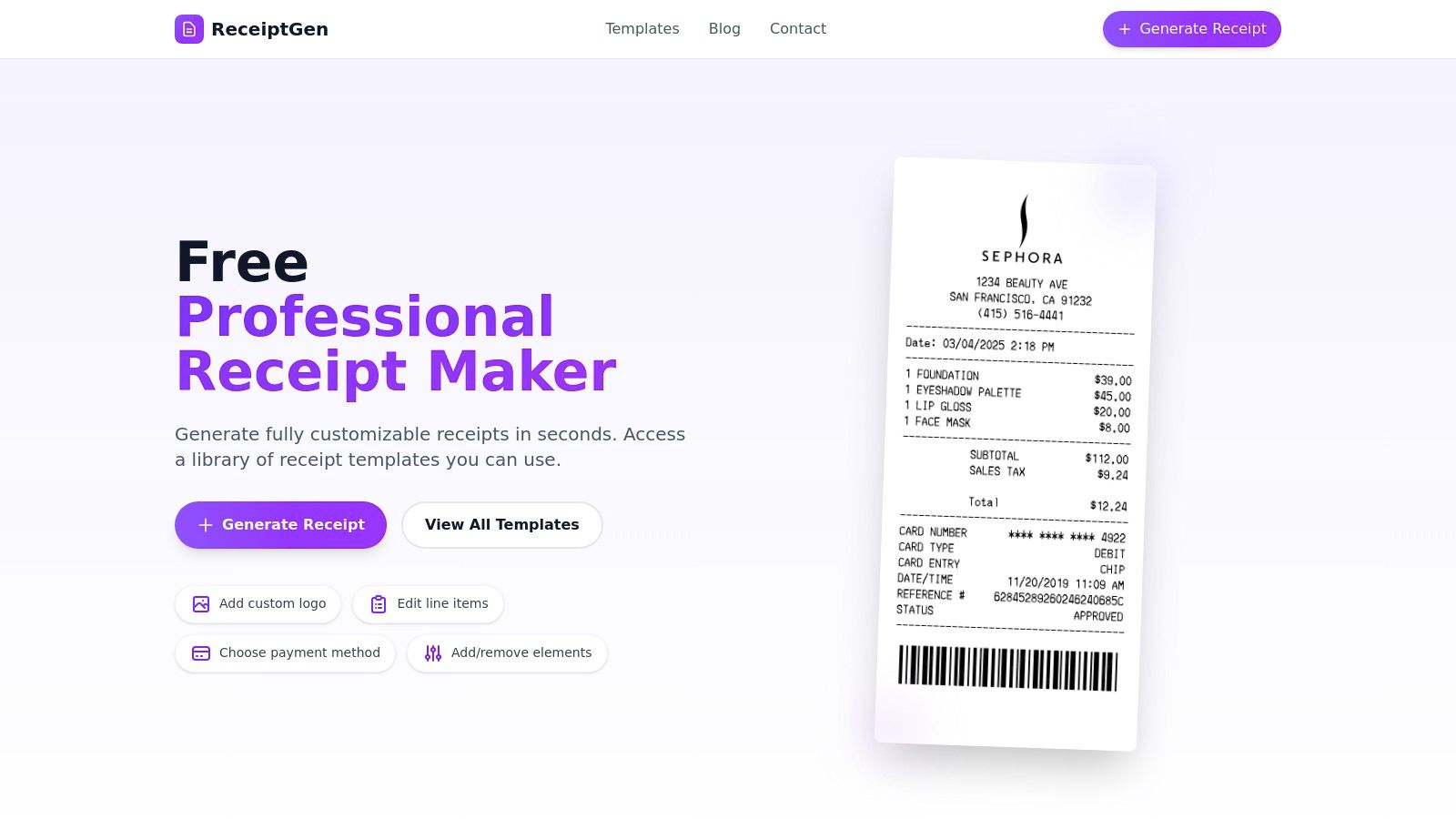
This tool is designed for immediate practical application, offering a guided, intuitive interface that eliminates the need for any design or formatting experience. Users can effortlessly generate documentation for client billing, expense reports, and internal record-keeping, ensuring every transaction is captured accurately and professionally.
Strategic Analysis: Why ReceiptGen is a Top Choice
ReceiptGen excels by focusing on three key pillars: speed, accessibility, and professional-grade customization. Its free access model removes any barrier to entry, making it an indispensable resource for new businesses and budget-conscious users. The platform’s extensive template library is a significant strategic advantage, providing industry-specific starting points that cover everything from restaurants and retail to service providers and hotels. This pre-formatted selection saves users valuable time and ensures all necessary fields are included by default.
Key Strategic Insight: ReceiptGen’s primary value proposition is its efficiency. By empowering users to create a custom receipt with a logo, itemized list, and correct tax calculations in seconds, it directly solves a common operational bottleneck for small businesses.
The one-click export function further enhances its utility, allowing for seamless printing or emailing. This focus on a streamlined workflow, from creation to distribution, makes ReceiptGen a powerful tool for maintaining consistent and credible financial documentation.
Core Features & Practical Applications
ReceiptGen’s feature set is robust and built for real-world business needs.
- Deep Customization: Users have complete control to upload a business logo, add or remove line items, adjust quantities and prices, and set custom tax rates. This ensures every receipt perfectly reflects the company’s brand and meets specific transaction requirements.
- Industry-Specific Templates: With over 15 templates modeled after receipts from well-known brands like Apple Store, Sephora, and Zaxby's, users can instantly select a layout that aligns with their industry standards.
- Flexible Field Management: The editor allows users to show or hide specific sections, such as payment method (cash, credit, debit), business hours, or a custom footer message, providing versatility for various use cases.
- Instant Export: Receipts can be generated and exported with a single click, ready for printing or emailing to clients for reimbursement or record-keeping.
| Feature Analysis | Strengths | Areas for Consideration |
|---|---|---|
| Pricing | Completely free to use with no hidden costs. | Does not offer premium tiers with advanced features. |
| Ease of Use | Extremely intuitive, guided interface; no learning curve. | Simplicity means a lack of advanced automation. |
| Customization | Excellent control over logos, text, line items, and layout. | Lacks direct integration with accounting software. |
| Templates | Large library of industry-specific, ready-to-use designs. | File export formats are not specified on the site. |
Practical Tip: Before finalizing your receipt, use the "Show/Hide" toggles in the editor to remove any fields that are irrelevant to your specific transaction. This creates a cleaner, more professional-looking document tailored to your needs.
Website: https://receiptgen.com
2. Staples
For businesses that require a tangible, physical record of transactions, Staples offers a reliable and immediate solution with its extensive selection of pre-printed, carbonless receipt books. While digital receipts are common, many service providers, contractors, and retail environments still rely on the simplicity and immediacy of a handwritten sample business receipt. Staples excels by providing a vast in-stock inventory from trusted brands like Adams and TOPS, making it easy to find the exact format you need.
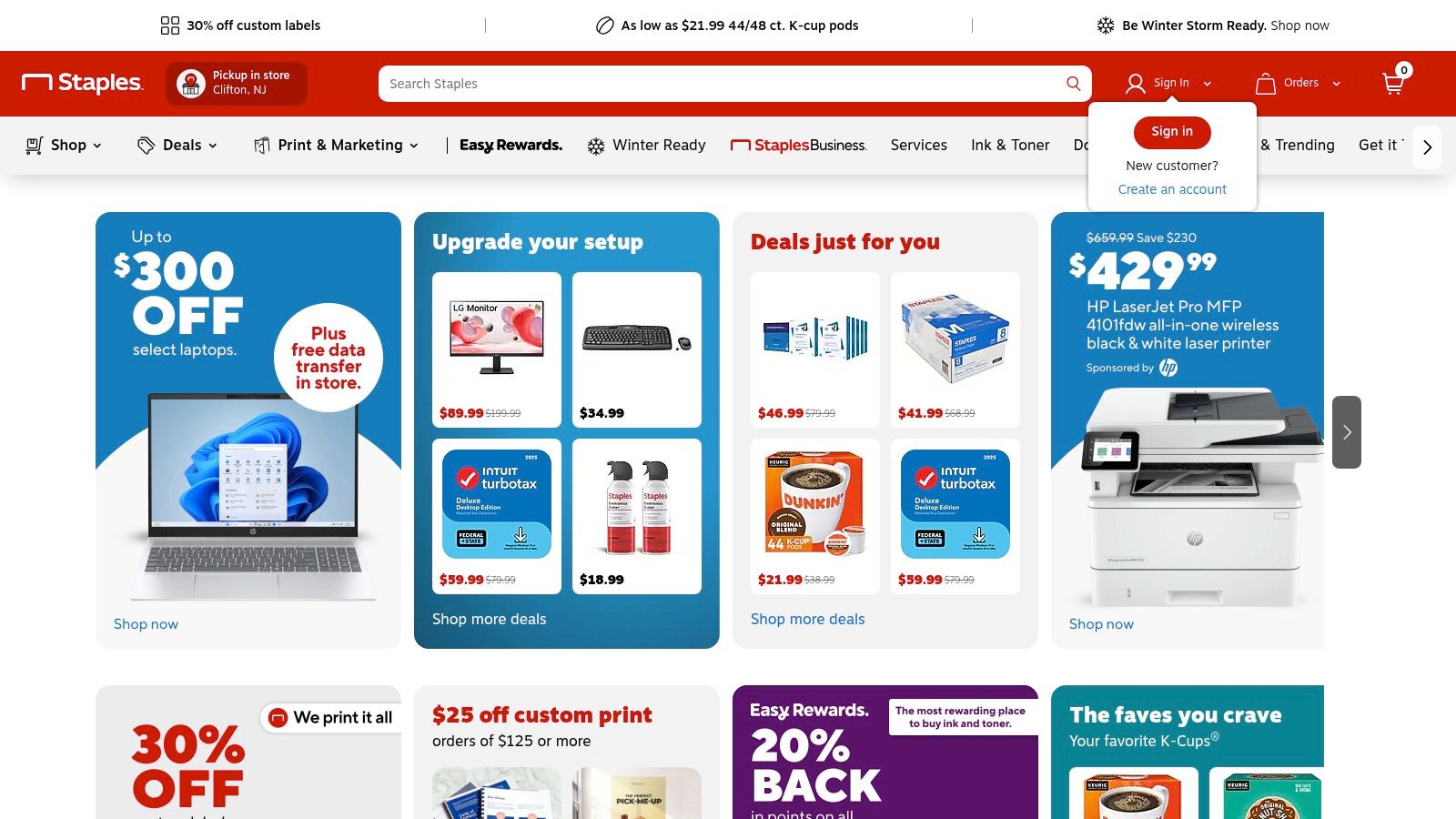
The primary advantage of using Staples is its fulfillment speed. With options for same-day, 30-minute in-store pickup or fast delivery, you can secure receipt books urgently without waiting for a custom print order. This is a crucial benefit for businesses that run out of supplies unexpectedly.
Strategic Breakdown
Staples’ platform is straightforward, functioning as a traditional e-commerce site focused on office supplies. Users can easily filter by brand, size, and type (2-part or 3-part), and product pages feature clear specifications and customer reviews to help guide purchasing decisions. While they do not offer digital customization, their strength lies in the quality and availability of their physical products.
- Product Selection: A wide variety of sizes, from pocket-sized sales books to larger money/rent receipt books.
- Accessibility: No account is needed to browse, but creating one unlocks features like AutoRestock for recurring orders.
- User Experience: The website is easy to navigate, with a powerful search function and clear categorization.
For those managing records digitally after the fact, these physical receipts can be transcribed into software. You can explore a variety of digital tracking solutions and learn how to use receipt templates in Excel for better financial organization.
Key Features and Pricing
| Feature | Description |
|---|---|
| Receipt Types | Carbonless 2-part (white/canary) and 3-part (white/canary/pink) books. |
| Key Brands | Adams, TOPS, and Staples' own brand. |
| Pricing | Varies by size and quantity, typically ranging from $5 to $30 per book or multi-pack. |
| Fulfillment | Fast delivery and free in-store pickup options available nationwide. |
Pros:
- Immediate availability for urgent needs.
- Trusted brands and consistent product quality.
- No need for printers or digital software.
Cons:
- No digital template editor or customization options.
- Physical-only format may not suit modern, paperless workflows.
- Pricing can be higher than mass-market retailers for some items.
Website: https://www.staples.com
3. Walmart
For the budget-conscious business owner, Walmart stands out as a mass-market retailer offering highly competitive prices on physical receipt and order books. While it provides many of the same brands as dedicated office suppliers, like Adams and TOPS, its strength lies in providing a low-cost, convenient option for purchasing a standard sample business receipt. It's the ideal choice for small businesses and freelancers looking to minimize overhead on essential supplies.
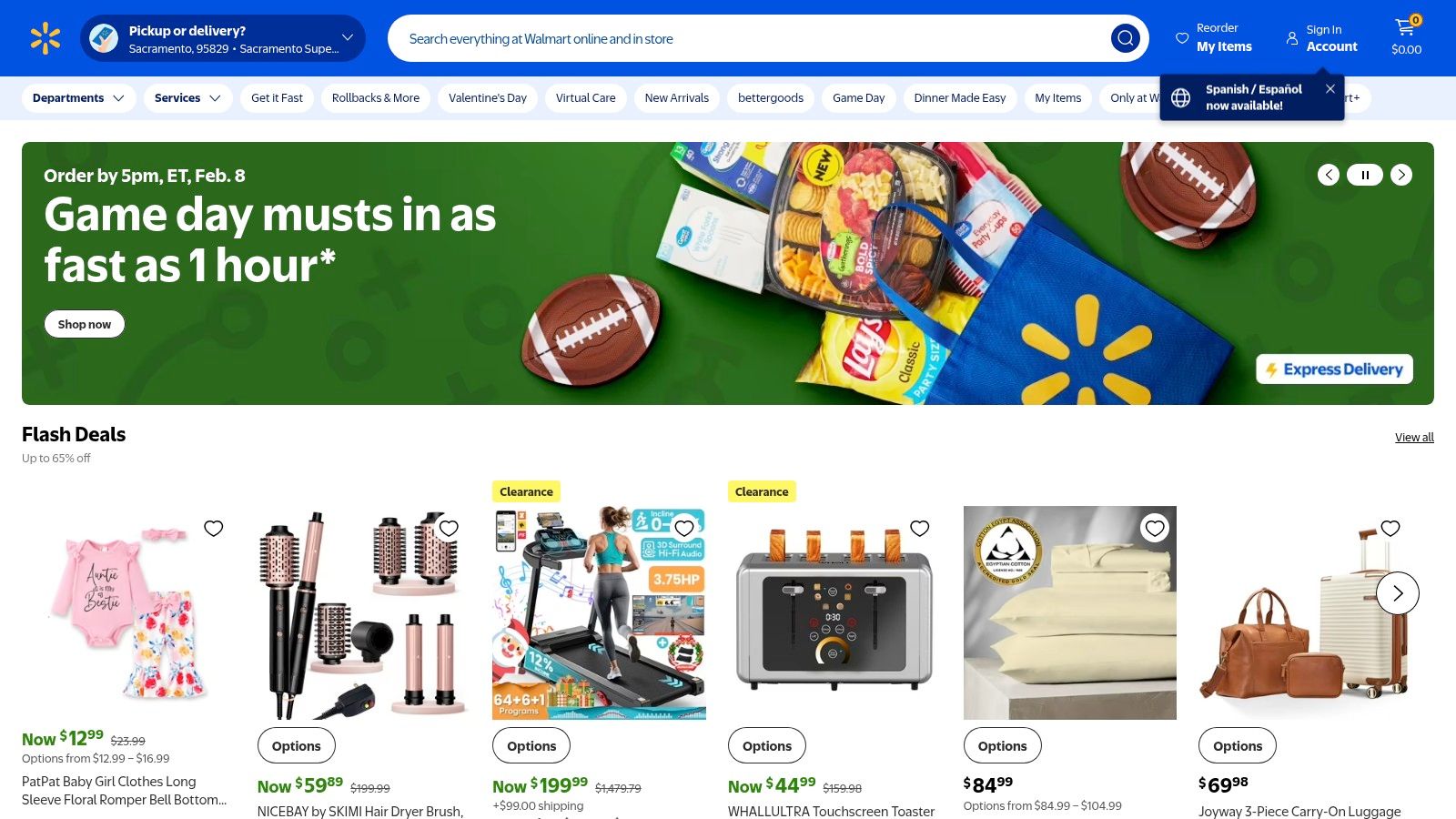
The key advantage of Walmart is its flexible and accessible fulfillment network. With options for same-day store pickup, rapid local delivery, and standard shipping, businesses can replenish their stock of receipt books quickly and affordably. This convenience is a significant benefit for those who need supplies without committing to a large bulk order.
Strategic Breakdown
Walmart’s platform operates as a massive online marketplace, meaning users can find products sold directly by Walmart and by third-party sellers. This broadens the selection but requires careful attention to seller ratings and product details. The website’s powerful search and filter functions allow users to narrow down options by price, brand, and customer rating, making it easy to find the best deal on a specific type of receipt book.
- Product Selection: A solid catalog of mainstream receipt books, including popular 2-part and 3-part carbonless formats.
- Accessibility: No account is needed to browse or purchase, but a free account simplifies order tracking and repeat buys.
- User Experience: A familiar e-commerce interface with robust filtering and sorting tools helps users navigate the vast inventory.
A practical tip when shopping on Walmart's site is to filter for items "sold and shipped by Walmart" to ensure consistent quality and faster fulfillment. This helps avoid potential issues with third-party sellers whose product quality or shipping speeds may vary.
Key Features and Pricing
| Feature | Description |
|---|---|
| Receipt Types | Carbonless 2-part and 3-part books, sales order books, and money/rent receipts. |
| Key Brands | Adams, TOPS, and various generic or third-party brands. |
| Pricing | Highly competitive, often among the lowest prices for individual books or small packs. |
| Fulfillment | Multiple options including free in-store pickup, same-day delivery, and 2-day shipping. |
Pros:
- Lowest everyday prices on many mainstream receipt books.
- Extremely convenient for small purchases or quick replenishment.
- Flexible fulfillment options suit a variety of urgent and standard needs.
Cons:
- Third-party listings can vary in quality; it's important to read descriptions carefully.
- In-store inventory availability can fluctuate significantly by store and region.
- Not a specialized supplier, so the range is less extensive than office-specific retailers.
Website: https://www.walmart.com
4. Office Depot / OfficeMax
For businesses prioritizing convenient local access and reliable stock, Office Depot / OfficeMax provides a strong selection of physical receipt books. Similar to other office supply retailers, its focus is on tangible, carbonless receipt forms that offer an immediate record-keeping solution for service providers, small retailers, and contractors. Their inventory includes trusted brands like Adams, ensuring a professional and functional sample business receipt for any transaction.
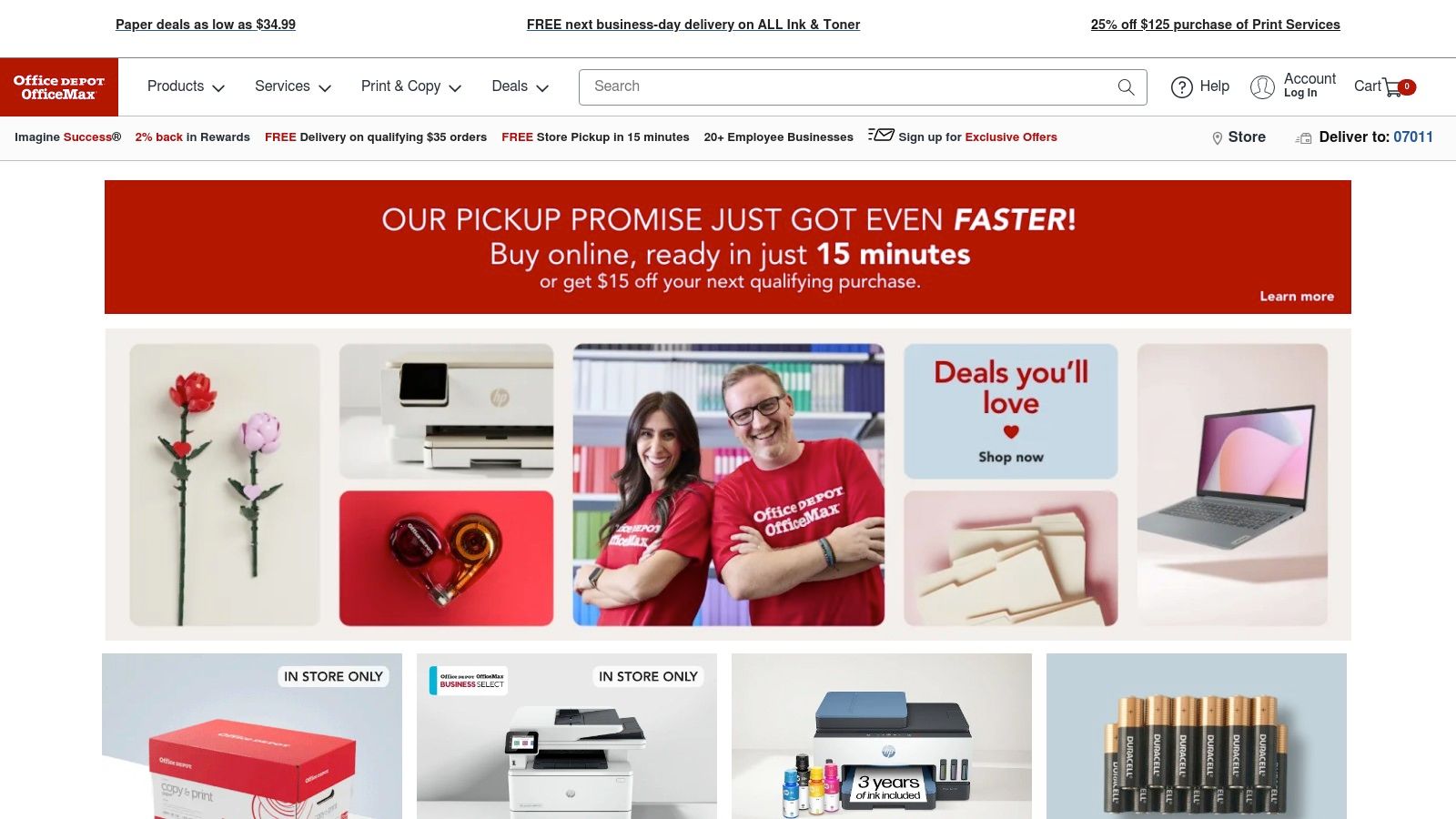
The primary advantage of Office Depot is the blend of a robust online store with a widespread physical presence. This allows for rapid fulfillment through same-day, in-store pickup, a critical feature for businesses needing supplies without delay. Their platform also supports business accounts, simplifying recurring purchases and expense management for established companies.
Strategic Breakdown
Office Depot’s e-commerce platform is designed for efficiency, particularly for business customers. Product pages offer clear specifications, including the number of parts (2-part or 3-part), set counts, and whether forms are numbered, which helps users select the precise book for their needs. While it lacks digital customization, its strength is in providing dependable, ready-to-use physical products quickly.
- Product Selection: Offers a curated selection of carbonless receipt books, money and rent receipts, and sales forms.
- Accessibility: Open for browsing to all users, with options to create personal or business accounts for streamlined ordering and tax-exempt purchases.
- User Experience: The website features clear navigation and filtering options. Category pages make it easy to compare different receipt book formats side-by-side.
For businesses that require physical receipts but manage finances digitally, these forms are simple to transcribe into accounting software. This hybrid approach allows for the immediacy of a handwritten receipt while maintaining a modern, organized digital ledger.
Key Features and Pricing
| Feature | Description |
|---|---|
| Receipt Types | Carbonless 2-part and 3-part receipt books, available in various sizes and formats (spiral, pad). |
| Key Brands | Primarily features Adams brand products, known for quality and consistency. |
| Pricing | Prices are competitive, typically ranging from $6 to $35 for single books or multi-packs. |
| Fulfillment | Offers standard shipping, free next-day delivery on qualifying orders, and free in-store pickup. |
Pros:
- Reliable availability with fast fulfillment via local stores.
- Easy-to-navigate website with clear product specifications.
- Business account features simplify purchasing and returns.
Cons:
- Selection can be narrower than some larger competitors.
- No options for digital templates or online customization.
- Certain items may be priced higher than at mass-market retailers.
Website: https://www.officedepot.com
5. Etsy
For small businesses and freelancers seeking a highly customizable and budget-friendly sample business receipt, Etsy is an invaluable marketplace. It offers thousands of instantly downloadable and editable templates created by independent designers. Instead of a one-size-fits-all solution, Etsy provides a vast selection of niche-specific designs for nearly every industry, from retail boutiques and craft fair vendors to service providers and rental businesses.
The platform excels by connecting users with creative, professionally designed templates in familiar formats like Word, Excel, Google Docs, Canva, and fillable PDFs. This allows for quick branding and customization without needing specialized design skills or software. For a few dollars, you can acquire a template that perfectly matches your brand's aesthetic.
Strategic Breakdown
Etsy functions as a digital marketplace where you purchase directly from individual creators. The search functionality is key; using terms like "business receipt template," "invoice template," or "order form" will yield thousands of results. You can filter by file type and price to narrow your options. Since quality varies, it's crucial to read seller reviews and item descriptions carefully to ensure the template meets your needs.
- Product Selection: An enormous variety of styles, from minimalist and modern to rustic and industry-specific (e.g., photography, catering, construction).
- Accessibility: Anyone can browse and purchase; a free Etsy account is required for checkout and to access your digital downloads.
- User Experience: The platform is visually driven and easy to navigate. Each listing includes images, a detailed description, and customer reviews.
Once purchased, the digital files are available for immediate download. This makes Etsy an excellent choice for businesses that need a professional-looking receipt quickly and affordably.
Key Features and Pricing
| Feature | Description |
|---|---|
| Receipt Types | Editable templates in Word, Excel, Google Docs/Sheets, fillable PDFs, and Canva links. |
| Key Brands | N/A (Designs are from thousands of independent sellers and creators). |
| Pricing | Extremely affordable, with most templates costing between $1 and $5 for a one-time purchase. |
| Fulfillment | Instant digital download immediately after payment is confirmed. |
Pros:
- Very inexpensive templates available for immediate use.
- Highly specific and niche styles for almost any industry.
- Templates are fully editable, allowing for easy branding with logos and colors.
Cons:
- Quality and file usability can vary significantly between sellers.
- No centralized support; you must contact the individual seller for help.
- Some Canva-linked templates may require a Canva Pro subscription to use all elements.
Website: https://www.etsy.com
6. Canva
For business owners who prioritize branding and visual appeal, Canva is a powerful online design platform that offers a vast library of professionally designed receipt templates. It bridges the gap between basic templates and custom graphic design, allowing non-designers to create a polished and on-brand sample business receipt with a simple drag-and-drop editor. This approach is ideal for businesses that want their receipts to be an extension of their marketing and customer experience.

The key advantage of Canva is its accessibility and ease of use. You can quickly customize templates by adding your logo, changing colors to match your brand palette, and adjusting fonts without needing any design software or technical skills. Once finished, receipts can be downloaded as a print-ready PDF or a digital PNG, making them versatile for both in-person transactions and email confirmations.
Strategic Breakdown
Canva’s platform is designed for visual creation, making the process of generating a custom receipt intuitive and fast. Users can search for "receipt" in the template library to find hundreds of starting points, from minimalist designs to more elaborate, industry-specific layouts. The editor allows for complete control over every element on the page.
- Product Selection: An extensive library of customizable receipt templates for various industries.
- Accessibility: A robust free plan allows for creating and downloading receipts; a Pro account unlocks premium templates, assets, and brand management tools.
- User Experience: The web-based, drag-and-drop interface is beginner-friendly and works on any device.
By using a visually appealing template, you reinforce your brand identity at every customer touchpoint. You can see more examples of payment receipts to understand how different layouts serve specific business needs.
Key Features and Pricing
| Feature | Description |
|---|---|
| Receipt Types | Hundreds of fully customizable digital templates for sales, donations, rent, and more. |
| Key Brands | N/A (platform for user-generated designs). |
| Pricing | Free plan available with robust features. Canva Pro plan offers premium assets and Brand Kit features for a monthly subscription. |
| Fulfillment | Instant digital download in formats like PDF, PNG, and JPG. |
Pros:
- Create highly polished, branded receipts without design experience.
- Vast template library offers excellent starting points.
- Easy to reuse brand elements (logos, colors) for consistency.
Cons:
- Some of the best templates and design assets require a Canva Pro subscription.
- Does not connect to POS systems or automatically track financial data.
- Recent pricing and plan changes can be confusing; users should verify current details.
Website: https://www.canva.com
7. QuickBooks Online
For businesses seeking a comprehensive solution where receipts are an integral part of their accounting ecosystem, QuickBooks Online is the industry standard. It moves beyond simple templates by offering dynamic "Sales receipt" forms that are directly linked to your bookkeeping, customer database, and inventory management. This approach is ideal for businesses that want to eliminate redundant data entry and maintain a clean, auditable financial record.
The primary advantage of QuickBooks is its automation and integration. When you create a sample business receipt for a cash sale, the platform automatically records the income, adjusts inventory levels, and updates customer sales history. This ensures that your financial reporting is always accurate and up-to-date, saving significant time during tax season or financial reviews.
Strategic Breakdown
QuickBooks Online’s platform is a full-featured accounting software, not just a receipt generator. The sales receipt function is a core feature within its accounts receivable workflow. Users can select existing customers and products or services from dropdown lists, ensuring consistency in pricing and descriptions. To make an informed decision about your accounting system for managing receipts, understand the Difference Between QuickBooks Desktop and Online.
- Product Selection: Not applicable in the traditional sense; it provides a standardized sales receipt form that pulls data from your product and service lists.
- Accessibility: Requires a paid QuickBooks Online subscription; no free-tier receipt creation is available.
- User Experience: The interface is professional and data-driven, designed for accounting accuracy rather than creative flexibility.
After creating a receipt, it can be printed or emailed directly to the client with a professional, clean layout. For a closer look at what information to include, see this guide to creating an itemized receipt template.
Key Features and Pricing
| Feature | Description |
|---|---|
| Receipt Types | Integrated digital "Sales receipt" forms for cash and one-time sales. |
| Key Brands | N/A (Intuit is the software provider). |
| Pricing | Requires a subscription, with plans typically starting from $30/month. |
| Fulfillment | Receipts can be instantly emailed to customers or printed for physical records. |
Pros:
- Seamless integration with accounting, reporting, and audit trails.
- Reduces duplicate data entry and standardizes documentation.
- Maintains a detailed history of transactions for each customer.
Cons:
- Requires a paid subscription, which can be overkill for occasional receipt needs.
- Customization options are more utilitarian than design-focused tools.
- Has a steeper learning curve than simple receipt generators.
Website: https://quickbooks.intuit.com
Sample Business Receipt — Top 7 Comparison
| Option | Implementation complexity 🔄 | Resource requirements 💡 | Expected outcomes ⭐📊 | Ideal use cases | Key advantages ⚡ |
|---|---|---|---|---|---|
| ReceiptGen | Low — browser-based editor, no install | Free; internet access; upload logo/data | Professional, brand-consistent receipts quickly ⭐📊 | Small businesses, freelancers, admins needing fast receipts | Fast generation, deep customization, 15+ templates ⚡ |
| Staples | Very low — buy online or in-store | Purchase physical receipt books; shipping/pickup cost | Reliable paper receipts for manual use 📊 | Immediate in-stock needs, known-brand buyers | Fast fulfillment, clear specs, national retailer reliability ⚡ |
| Walmart | Very low — purchase online or in-store | Low-cost physical books; inventory varies by store | Budget-friendly physical receipts for routine use 📊 | Cost-sensitive buyers, quick replenishment | Lowest everyday prices and flexible fulfillment ⚡ |
| Office Depot / OfficeMax | Very low — order or pick up locally | Purchase physical carbonless books; account options | Business-oriented, organized paper receipts 📊 | Businesses wanting local support and account purchasing | Clear product details, local availability, returns ⚡ |
| Etsy | Low — download editable digital templates | Small one-time cost ($1–$5); editing software (Word/Sheets/Canva) | Highly customizable, niche-specific digital receipts ⭐📊 | Niche industries needing inexpensive, brandable templates | Huge variety, low price, instant delivery ⚡ |
| Canva | Low — online drag-and-drop editor | Free tier available; Pro unlocks premium assets | Polished, on-brand receipts for print or email ⭐📊 | Non-designers who want polished visuals quickly | Large template library, ease of use, collaboration ⚡ |
| QuickBooks Online | Moderate — account setup and subscription | Paid subscription; bookkeeping data input | Receipts integrated with accounting and reports ⭐📊 | Businesses that need receipts tied to finance and audit trails | Integration with books, reduces duplicate entry, centralized records ⚡ |
From Sample to System: Your Next Steps for Flawless Receipts
Throughout this guide, we've explored a diverse collection of sample business receipt templates, from industry-specific formats for restaurants and hotels to versatile designs for service providers and contractors. The core lesson is clear: a well-structured receipt is far more than a simple proof of purchase. It is a critical business document that reinforces your brand's professionalism, ensures financial accuracy, and builds client trust. We analyzed how platforms like ReceiptGen provide highly specialized, editable templates, while creative tools such as Canva and established retailers like Staples offer broader design options.
The strategic takeaway is that the "best" receipt is the one that is perfectly aligned with your operational needs and legal requirements. For a pharmacy, this means including fields for prescription numbers. For a contractor, it involves itemizing labor and materials with granular detail. A generic template simply won't suffice when accuracy and clarity are paramount. Customization is not just about adding a logo; it's about incorporating the specific data points that make your transactions transparent and easy to track.
Making Your Choice: From Template to Workflow
Choosing the right sample business receipt is the first step, but integrating it into a consistent workflow is what transforms it into a powerful business asset. Consider these factors as you move forward:
- Speed and Efficiency: How quickly can you generate a receipt? For busy freelancers or retail environments, tools like ReceiptGen are designed for rapid creation, minimizing administrative downtime.
- Customization vs. Compliance: While platforms like Etsy offer creative freedom, ensure your final design includes all legally required information, such as your business name, address, tax identification numbers, and a clear breakdown of charges.
- Integration and Record-Keeping: How will you store and manage these receipts? A standalone template is useful, but a system that helps you organize your records is better. Once you have a reliable receipt generation process, the next logical step is to build a robust organizational system. For a comprehensive guide on modern digital solutions, this resource on how to keep track of receipts offers an excellent workflow to prevent lost documents and streamline your bookkeeping.
Ultimately, the goal is to move beyond one-off documents and establish a reliable, repeatable system. The sample business receipt you choose should not just solve an immediate need but also fit seamlessly into your long-term financial management strategy. By selecting a tool and template that reflects your industry's standards and your brand's identity, you create a foundation for professional, stress-free transactions.
Ready to create professional, industry-specific receipts in seconds? ReceiptGen takes the guesswork out of formatting with fully editable templates designed for your business needs. Stop wrestling with generic documents and start generating flawless receipts today at ReceiptGen.