Managing your finances is one of the most critical tasks for any small business owner, but the cost of robust accounting software can be a significant barrier. This guide is designed to solve that problem by providing a comprehensive, hands-on review of the best free accounting software for small business available today. We've gone beyond the marketing copy to give you a clear, honest assessment of what each platform can realistically offer your operation.
Forget sifting through endless feature lists. Instead, this resource provides a detailed analysis of 12 top-tier free options, from user-friendly cloud applications like Wave and Zoho Books to powerful open-source desktop solutions like GnuCash and ERPNext. For each entry, you will find:
- Key Features & Honest Limitations: A straightforward look at what works well and where you might encounter restrictions.
- Ideal Business Use Cases: Discover which software is best suited for freelancers, service-based businesses, retailers, or growing startups.
- Practical Setup & Integration Notes: Real-world advice on getting started and connecting the software to other tools you use.
- Data Migration & Exporting: Critical information on how to get your financial data in and out, ensuring you're never locked in.
We will also provide a detailed comparison matrix to help you evaluate the options side-by-side. As you begin your search for the perfect financial tools, a comprehensive external guide to choosing accounting software can help you evaluate what your business truly needs. Our goal is to equip you with the insights necessary to make a confident decision, saving you both time and money. Each review includes screenshots and direct links, so you can start exploring immediately.
1. Wave
Wave has long been a dominant player in the free accounting software space, making it an excellent choice for freelancers, service-based businesses, and startups. Its core offering, the Starter plan, is genuinely free and provides robust features for unlimited invoicing, expense tracking, and fundamental accounting. This makes it one of the best free accounting software for small business owners who need professional tools without a monthly subscription fee.
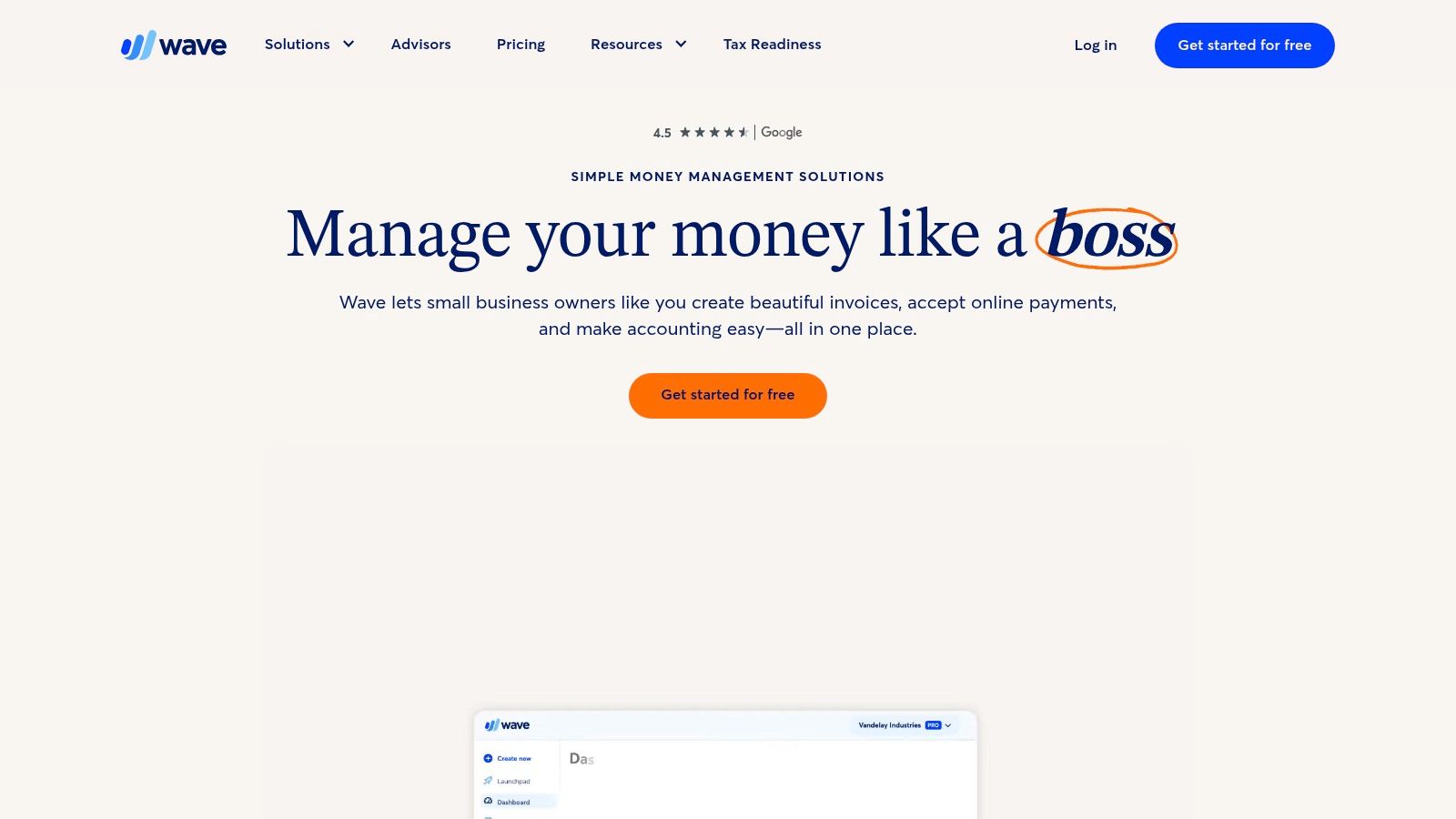
The platform stands out by integrating optional, pay-per-use services directly into its free ecosystem. You can accept credit card and bank payments on invoices or run payroll in supported states, paying only transactional or monthly fees for those specific services. This scalability allows a business to grow without immediately needing to migrate to a new system. For many solopreneurs, the ability to send an invoice and get paid within the same app is a significant workflow improvement. When you receive payments, knowing how to make a receipt for payment is crucial for maintaining professional records.
Key Features and Limitations
Pros:
- Truly Free Core Accounting: The Starter plan covers essential double-entry accounting, invoicing, and reporting at no cost.
- Integrated Payments & Payroll: Optional paid add-ons keep key financial tasks within a single, familiar interface.
- User-Friendly Interface: Designed for non-accountants, making it easy to set up and manage daily bookkeeping tasks.
Cons:
- Limited Automation: Advanced features like automated bank rule suggestions and receipt scanning now require a paid Pro plan.
- US/Canada Focus: Primarily built for businesses in the United States and Canada.
- No Project Management: Lacks built-in tools for tracking project profitability or time.
Website: https://www.waveapps.com
2. Zoho Books
Zoho Books offers a surprisingly powerful free accounting software plan, making it an exceptional choice for micro-businesses that meet its revenue requirements. The free tier is not a stripped-down trial but a feature-rich platform designed for businesses with annual revenue under a specific threshold (currently $50K USD). This makes it one of the best free accounting software for small business owners who are just starting out and need a comprehensive, scalable solution without an initial investment.
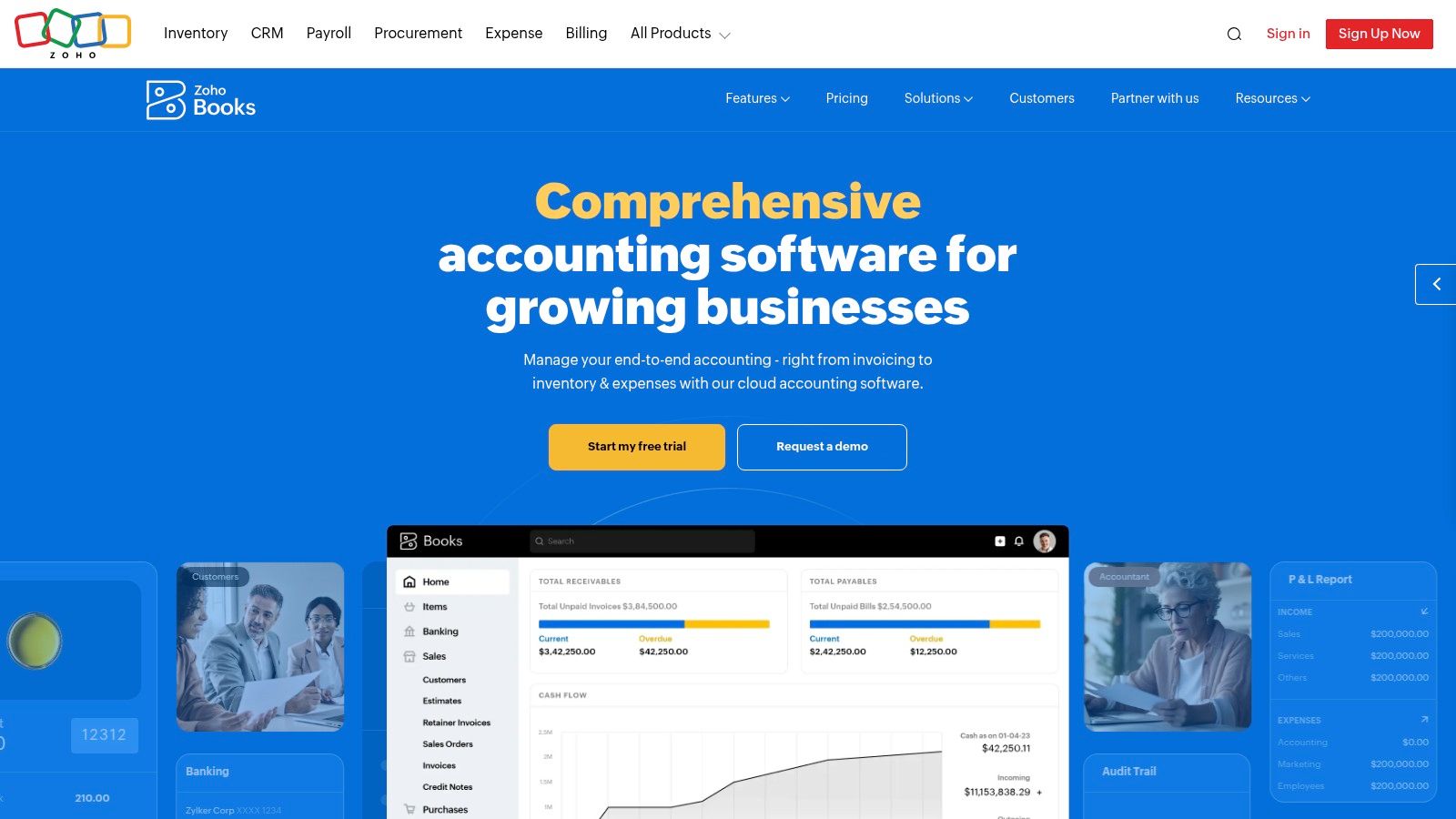
The platform’s free offering includes invoicing, expense management, bank reconciliation, and even 1099 contractor management. Unlike many competitors, Zoho provides email support for its free users, which is a significant advantage. The system also integrates seamlessly with the broader Zoho ecosystem, offering a clear growth path as your business expands. Generating professional documentation is key, and reviewing various examples of payment receipts can help you maintain consistency as you manage client transactions within the platform. Its focus on compliance and reporting from the very start sets a strong financial foundation.
Key Features and Limitations
Pros:
- Generous Free Tier: Provides robust accounting, invoicing, and reconciliation for qualifying micro-businesses.
- Excellent Reporting: Offers core financial reports and compliance-oriented features even on the free plan.
- Scalable Ecosystem: Integrates with a vast suite of Zoho business apps, from CRM to project management.
Cons:
- Revenue Cap: The free plan is only available to businesses under the specified annual revenue limit.
- Paid Advanced Features: Key functions like inventory tracking and custom reporting are reserved for paid tiers.
- Learning Curve: The interface is comprehensive and may require some time to master compared to simpler tools.
Website: https://www.zoho.com/books
3. ZipBooks
ZipBooks offers a clean, modern approach to bookkeeping, making it an excellent contender for the best free accounting software for small business owners who value simplicity and design. Its free Starter plan is well-suited for freelancers and service-based entrepreneurs, providing unlimited invoicing, basic reporting, and the ability to manage customers and vendors. The plan also includes a single bank account connection, allowing for streamlined reconciliation without a subscription fee.
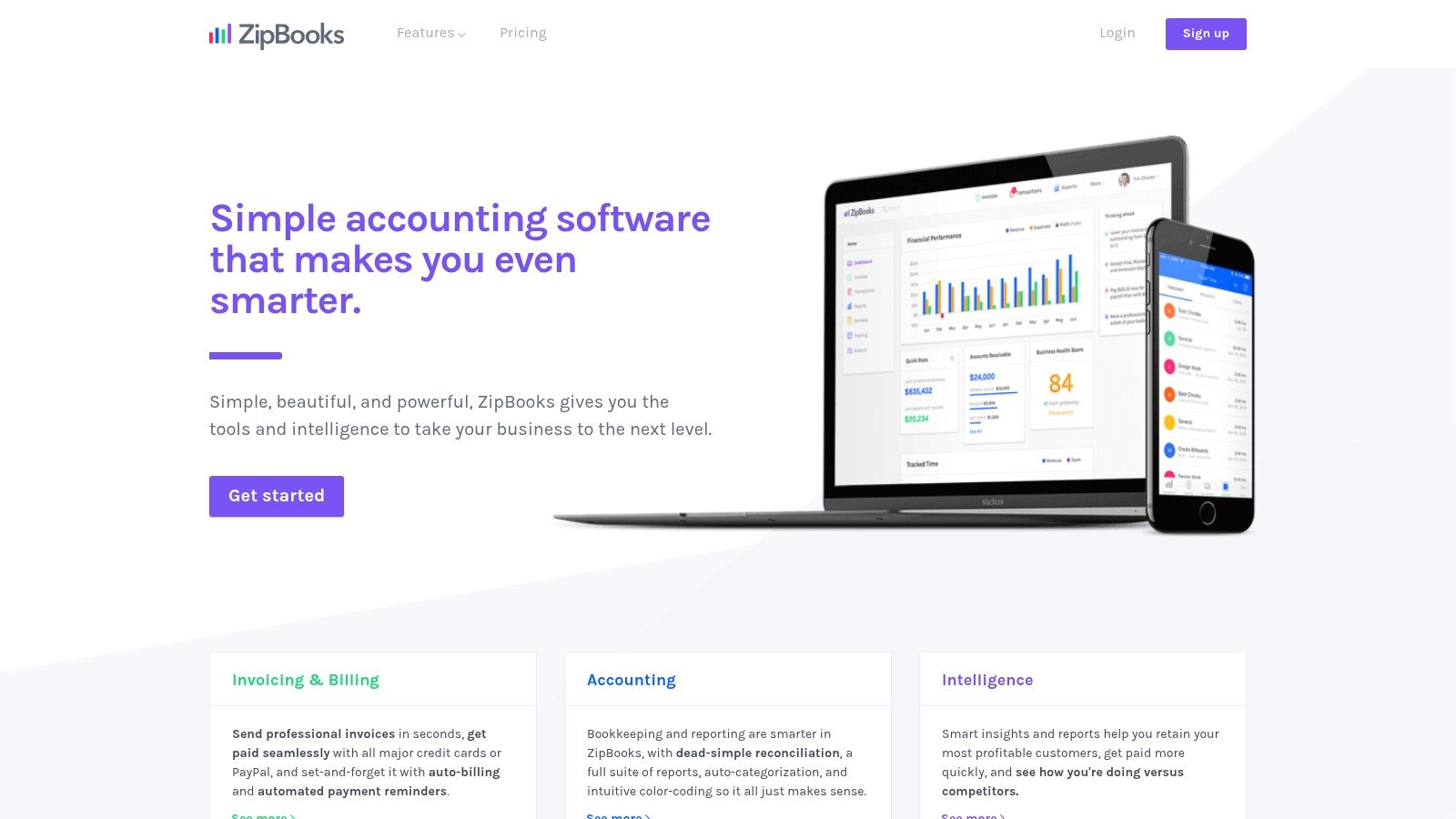
The platform stands out with its user-friendly interface and a logical upgrade path. As a business grows, it can seamlessly transition to paid tiers that unlock features like recurring invoices, time tracking, and more comprehensive reporting without needing to migrate to a new system. It integrates with Square and PayPal for digital payments, making it easy to get paid directly from an invoice. For detailed client billing, you can create a clear breakdown of services using an itemized receipt template to attach to your records.
Key Features and Limitations
Pros:
- Simple, Easy-to-Adopt UI: The intuitive design requires minimal accounting knowledge, making it quick to set up and use.
- Smooth Upgrade Path: Grow into more advanced features like time tracking and team management without switching platforms.
- Unlimited Invoicing: The free plan does not cap the number of invoices or clients you can manage.
Cons:
- Limited Free Plan: Restricted to one bank connection and basic reporting, which may be insufficient for growing businesses.
- Potentially Dated Help Content: Some support documentation may not reflect the latest software updates; always confirm features during signup.
- No Inventory Management: Lacks built-in tools for tracking stock, making it less ideal for product-based businesses.
Website: https://zipbooks.com
4. GnuCash
For small business owners who prefer a traditional, powerful, and completely free desktop application, GnuCash is a time-tested option. As an open-source project, it provides a full double-entry accounting engine without any fees, subscriptions, or feature limitations. It’s an ideal choice for businesses that want total offline control over their financial data and appreciate a robust, no-frills approach to bookkeeping.
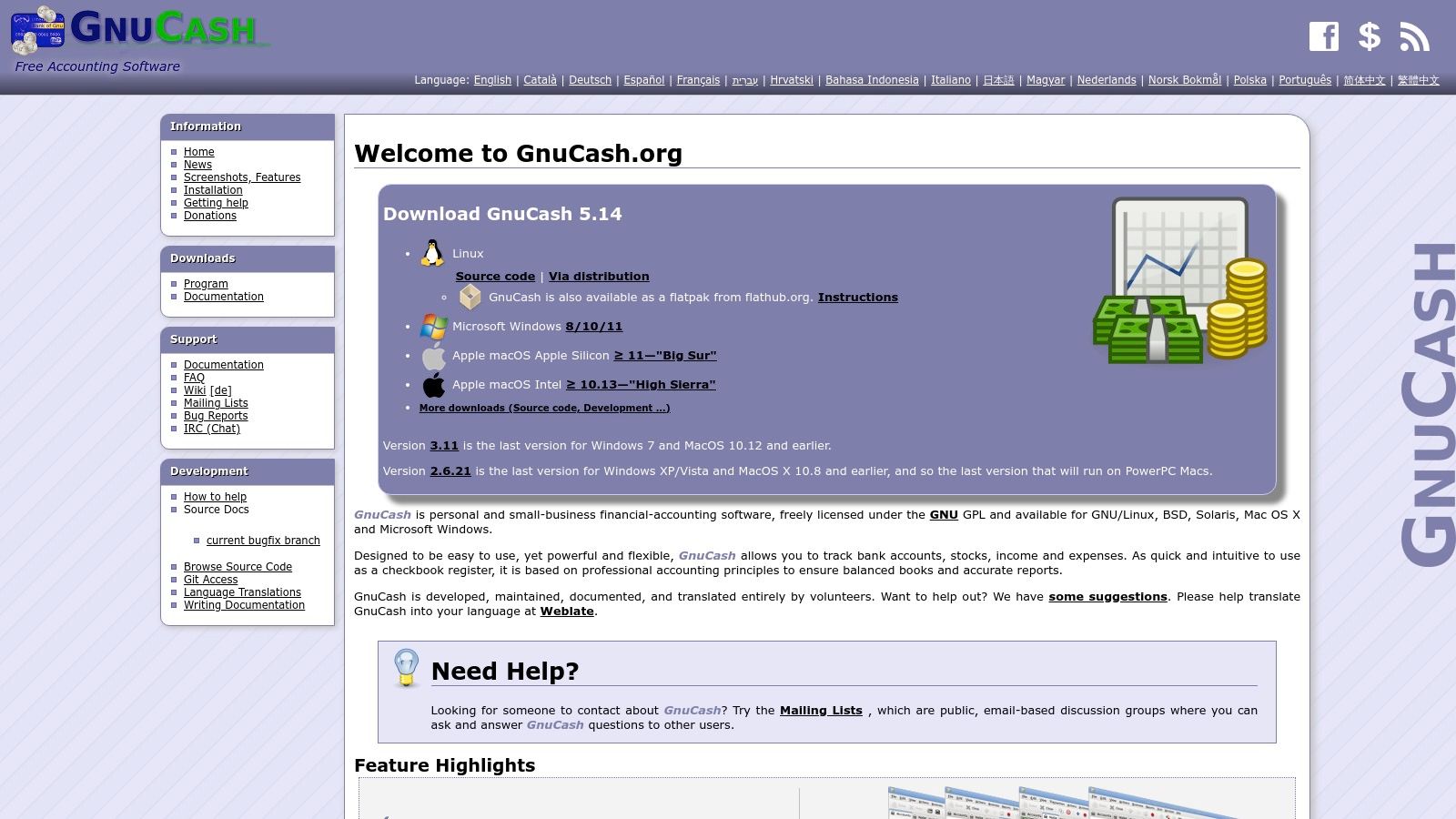
GnuCash runs on Windows, macOS, and Linux, making it a versatile piece of the best free accounting software for small business users across different operating systems. It handles core tasks like invoicing, accounts payable/receivable, and generating standard financial reports such as balance sheets and profit & loss statements. Because it's a desktop application, it lacks the native cloud features and real-time collaboration found in modern SaaS platforms, but it excels at providing a stable and reliable ledger for meticulous record-keeping. The active community and extensive online documentation provide a solid support network for users.
Key Features and Limitations
Pros:
- Completely Free & Open-Source: No hidden fees, usage limits, or premium tiers; the full software is available under the GNU General Public License.
- Full Double-Entry Accounting: Implements professional accounting principles for accurate and balanced books.
- Offline Data Control: Your financial data is stored locally on your machine, offering maximum privacy and control.
Cons:
- No Native Cloud Features: Lacks real-time bank feeds, mobile apps, or online collaboration tools common in other solutions.
- Dated User Interface: The UI is functional but feels traditional and less intuitive than modern web-based applications.
- Manual Integrations: Connecting to other services or importing data often requires more manual effort.
Website: https://www.gnucash.org
5. Manager
Manager offers a unique approach in the accounting software landscape, providing a powerful, full-featured desktop application that is completely free forever for single users. This makes it a standout choice for sole proprietors, freelancers, and small businesses who need robust accounting tools without the recurring costs of cloud-based subscriptions. The free Desktop Edition includes advanced modules often reserved for paid tiers, such as inventory management, fixed assets, and multi-currency support, making it one of the best free accounting software for small business owners who manage complex operations offline.
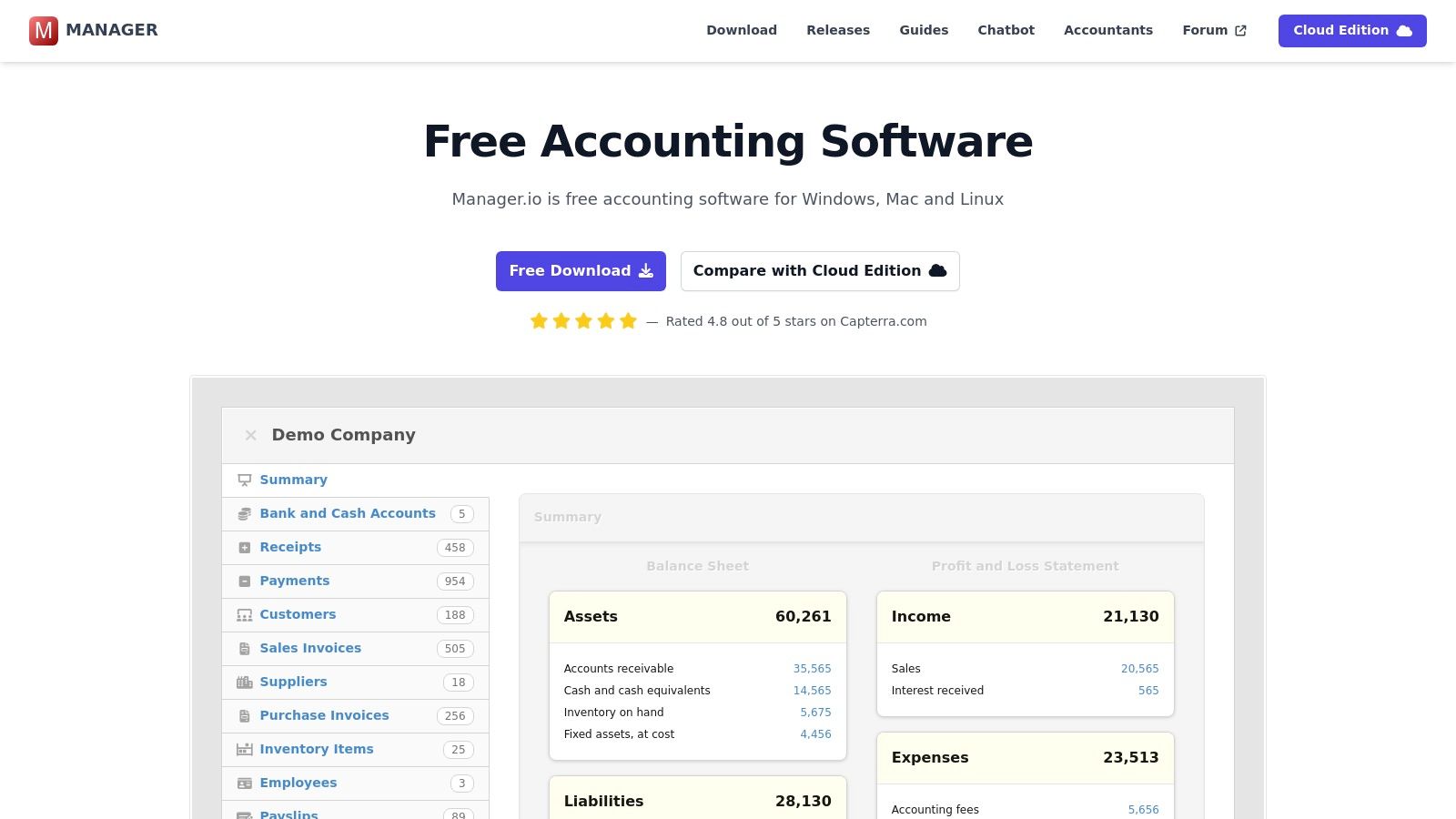
The platform is designed for scalability, allowing a business to start with the free desktop version and seamlessly transition to a paid Cloud or Server edition as the team grows. This eliminates the painful process of migrating data to a new system when you need multi-user access or remote capabilities. Its modular design allows you to enable only the features you need, keeping the interface clean and tailored to your specific business requirements, whether you're managing accounts receivable, accounts payable, or tracking capital assets.
Key Features and Limitations
Pros:
- Powerful Free Desktop Version: The forever-free edition is not a trial; it's a complete, fully featured accounting system for a single user.
- Advanced Modules Included: Access features like inventory, fixed assets, and multi-currency support at no cost.
- Clear Upgrade Path: Easily migrate your data to paid Cloud or Server editions for multi-user access as your business expands.
Cons:
- No Remote Access on Free Tier: The Desktop Edition is locally installed, meaning no multi-user collaboration or remote access without upgrading.
- Community-Based Support: Free users rely primarily on community forums and online guides for support.
- No Integrated Bank Feeds: Lacks direct bank feed integrations, requiring manual import of bank statements.
Website: https://www.manager.io
6. Akaunting
Akaunting offers a unique proposition in the accounting software market by providing a completely free, open-source, and self-hostable platform. This makes it an ideal choice for tech-savvy small business owners or startups who want complete control over their data and software environment without any subscription costs. Its free on-premise version includes core features like unlimited invoicing, expense tracking, customer and vendor management, and multi-currency support.
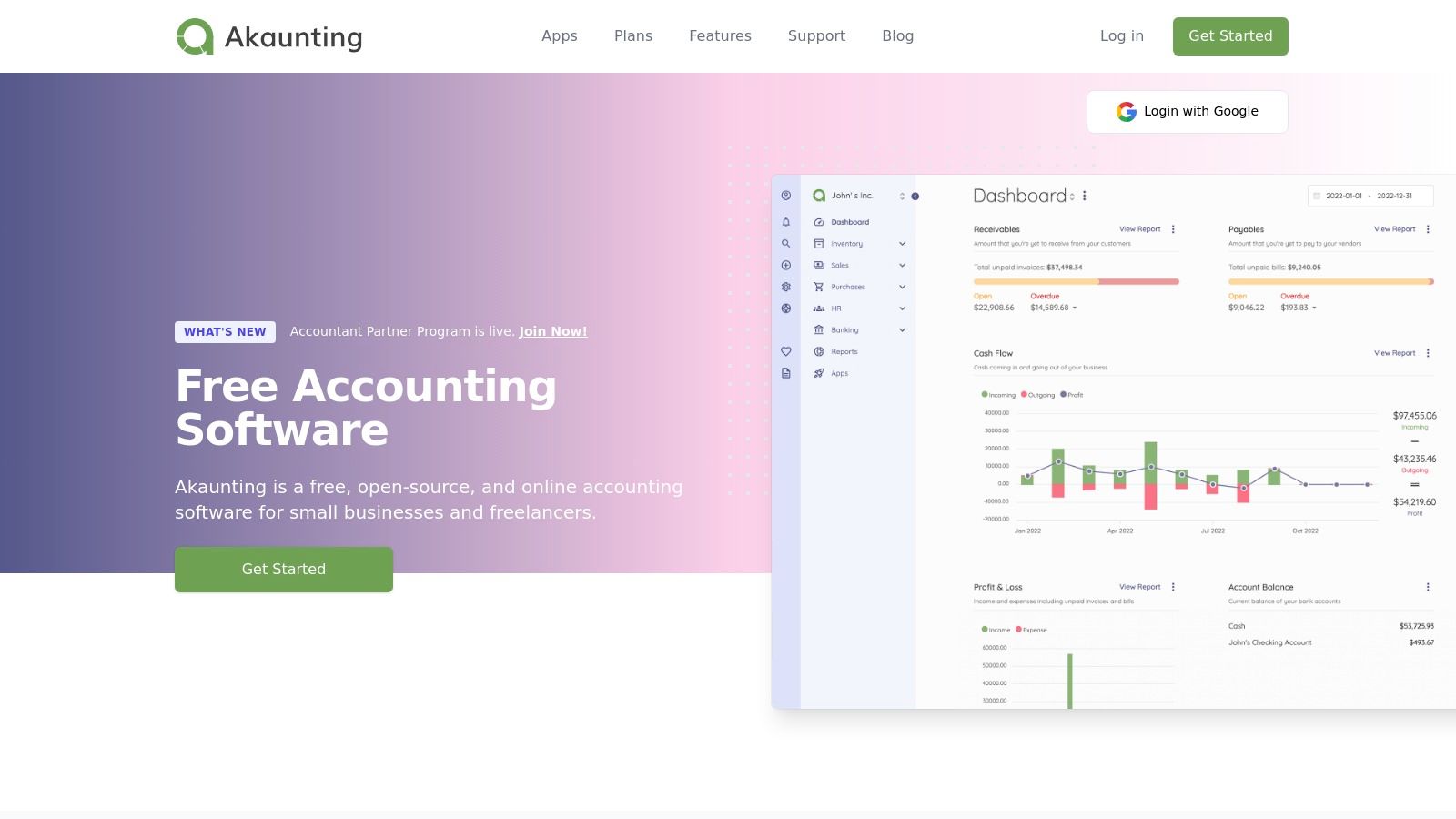
The platform stands out with its app marketplace, which allows you to extend its core functionality. While the base software is free to host yourself, you can purchase specific apps for features like payment gateways, advanced reporting, or integrations. This modular approach ensures you only pay for the extra tools you need. For businesses that prefer not to manage their own server, Akaunting also offers paid, hosted cloud plans, providing flexibility as your operational needs change.
Key Features and Limitations
Pros:
- Complete Control & No Cost: The self-hosted version is genuinely free to download and use, giving you full data ownership.
- Modular Functionality: An extensive app marketplace allows you to add specific features like POS or payment integrations as needed.
- Global-Friendly: Strong multi-currency support makes it suitable for businesses with international clients.
Cons:
- Technical Setup Required: The free version requires you to have and maintain your own server, which involves a technical learning curve.
- Paid Add-ons: Many crucial integrations and advanced features (like specific payment gateways) are only available as paid apps.
- Community-Based Support: Free users rely on community forums for support, with dedicated support reserved for paid cloud plans.
Website: https://akaunting.com
7. NCH Express Accounts
NCH Express Accounts offers a different approach by providing downloadable desktop software for Windows and macOS, a departure from the cloud-based norm. Its free version is specifically licensed for businesses with fewer than five employees, making it a viable option for micro-businesses and sole proprietors who prefer offline access to their financial data. This makes it one of the best free accounting software for small business owners who prioritize local data storage over cloud accessibility.
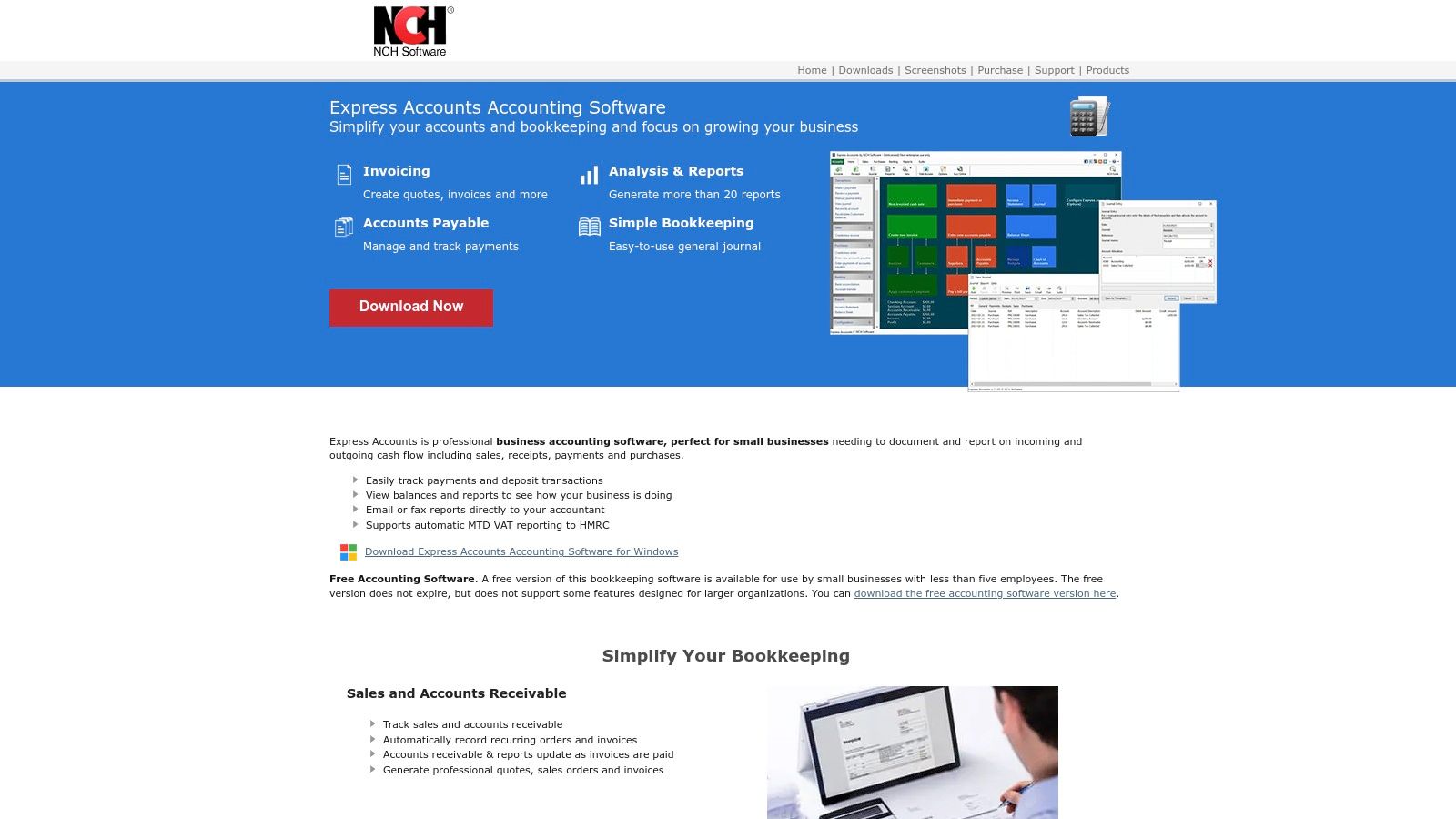
The software covers the essentials of bookkeeping, including managing accounts receivable and payable, creating invoices, and tracking payments. It comes with over 20 pre-built financial reports that can be analyzed on-screen or easily emailed to an accountant. The interface is straightforward and feels like traditional desktop software, which can be a comfort for users less familiar with modern web applications. While it lacks the collaborative features of its cloud-based competitors, it delivers solid, fundamental accounting tools without a subscription.
Key Features and Limitations
Pros:
- Completely Offline: Works without an internet connection, ensuring your data remains on your local machine.
- No Ongoing Fees: The free license for small businesses (under 5 employees) is a one-time setup without monthly costs.
- Simple Interface: Easy to install and learn, particularly for those accustomed to traditional desktop applications.
Cons:
- Strict User Limit: The free version is only available to businesses with fewer than five employees.
- Desktop-Only: Lacks cloud sync, mobile access, and native multi-user collaboration features.
- Dated Design: The user interface may feel less modern compared to web-based alternatives.
Website: https://www.nchsoftware.com/accounting
8. Odoo Accounting (Community)
Odoo offers a unique proposition in the accounting software landscape, particularly for businesses anticipating significant growth. Its accounting module is part of a comprehensive suite of business management applications. The free offering, Odoo Community, is an open-source version that users can self-host, providing powerful invoicing, accounts payable/receivable, and bank reconciliation tools at no software cost. This makes it a strong contender for the best free accounting software for small business owners who are tech-savvy and need a system that can scale into a full ERP.
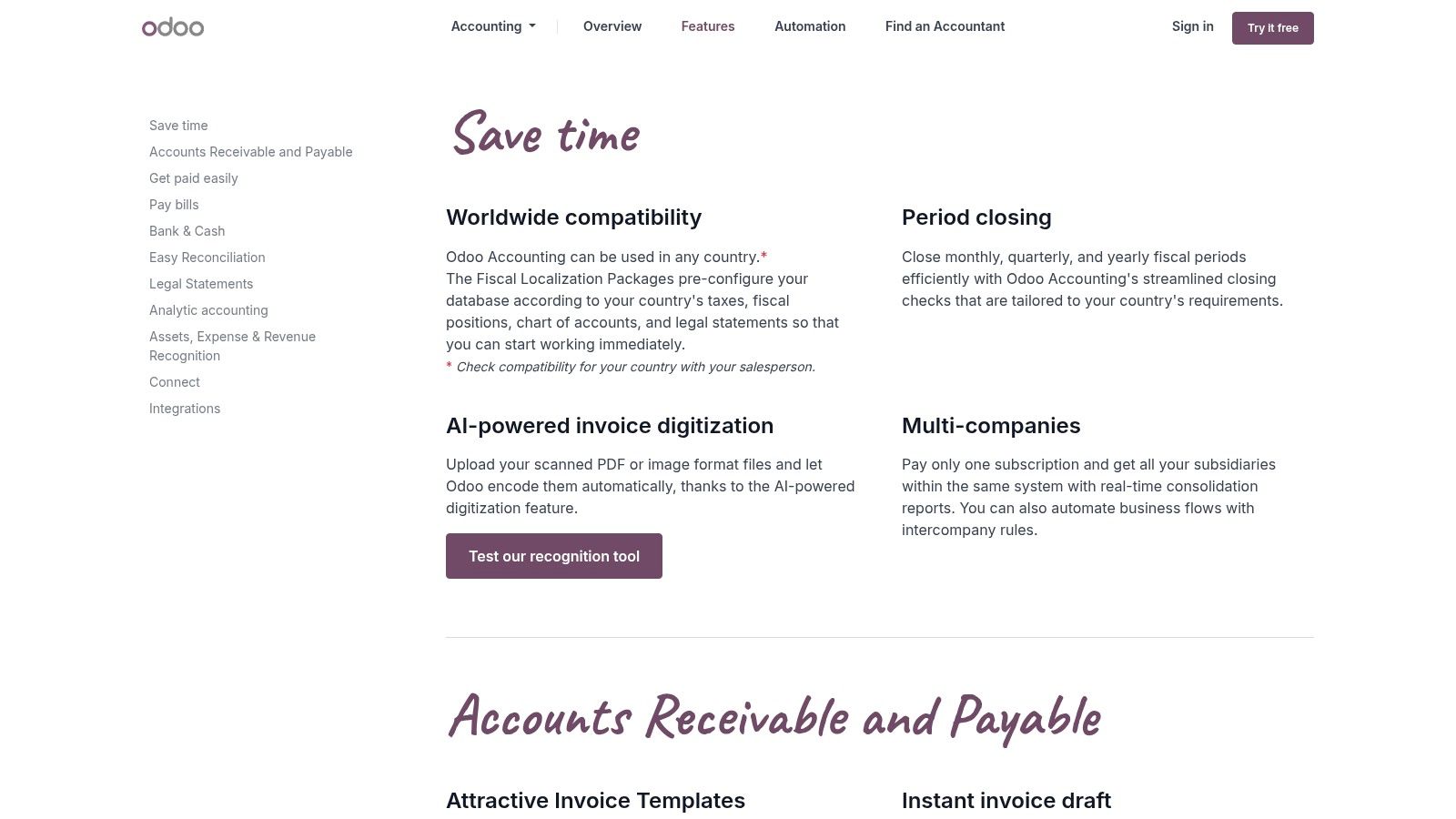
The platform’s key advantage is its modularity. You can start with the free accounting app and later integrate other Odoo apps for inventory, sales, CRM, and manufacturing as your business needs evolve. This creates a seamlessly unified system, eliminating the data silos that often occur when using disparate software. However, the trade-off for this power and flexibility is complexity. The free Community edition requires you to manage your own hosting and setup, which can be a significant technical hurdle for non-developers.
Key Features and Limitations
Pros:
- Highly Scalable: Starts as a free accounting tool and can expand into a complete Enterprise Resource Planning (ERP) system.
- Comprehensive Integration: Natively connects with a vast ecosystem of other Odoo business management apps.
- Open-Source Flexibility: The free, self-hosted Community edition offers deep customization possibilities for those with technical expertise.
Cons:
- Technical Setup Required: The free version must be self-hosted, demanding server management and IT knowledge.
- Key Features are Paid: Advanced reporting, bank synchronization automation, and some localization features are exclusive to the paid Enterprise/Cloud versions.
- Steep Learning Curve: The sheer breadth of features can be overwhelming for users seeking a simple bookkeeping solution.
Website: https://www.odoo.com/app/accounting-features
9. ERPNext
For businesses that need more than just a standalone bookkeeping tool, ERPNext presents a powerful, open-source alternative. It is a full Enterprise Resource Planning (ERP) system that includes a comprehensive accounting module, covering everything from the general ledger and accounts payable/receivable to fixed assets and multi-currency support. This makes it a unique contender for the best free accounting software for small business owners who anticipate significant growth or have complex operational needs beyond basic finance.
The platform is completely free to download, install, and use on your own servers, with no license fees. This self-hosted model provides total control and unlimited customization. For those who prefer a managed solution, the company offers paid cloud hosting and commercial support plans. Because its accounting tools are integrated with other business functions like CRM, inventory, and project management, it allows for a unified view of company operations, eliminating data silos between departments.
Key Features and Limitations
Pros:
- Truly Free & Open-Source: No license fees for the self-hosted version, offering complete access to all modules.
- Comprehensive Functionality: Goes far beyond accounting to include CRM, inventory, HR, and project management.
- Highly Scalable: Supported by an active community and commercial support options, it can grow with your business.
Cons:
- Complex Setup: Requires technical expertise to self-host and configure, making it more challenging than simple cloud apps.
- Steeper Learning Curve: As a full ERP, it is a heavier system with more features to learn than a dedicated accounting tool.
- Overkill for Simple Needs: Best suited for businesses that will leverage its broader ERP capabilities, not just basic bookkeeping.
Website: https://erpnext.com
10. Dolibarr ERP/CRM
Dolibarr offers a powerful, open-source alternative for businesses needing more than just basic bookkeeping. It’s a complete Enterprise Resource Planning (ERP) and Customer Relationship Management (CRM) suite that includes double-entry accounting, invoicing, inventory management, and even a Point of Sale (POS) module. As it is free to download and self-host, it stands out as one of the best free accounting software for small business owners who are technically inclined or need an all-in-one operational system.
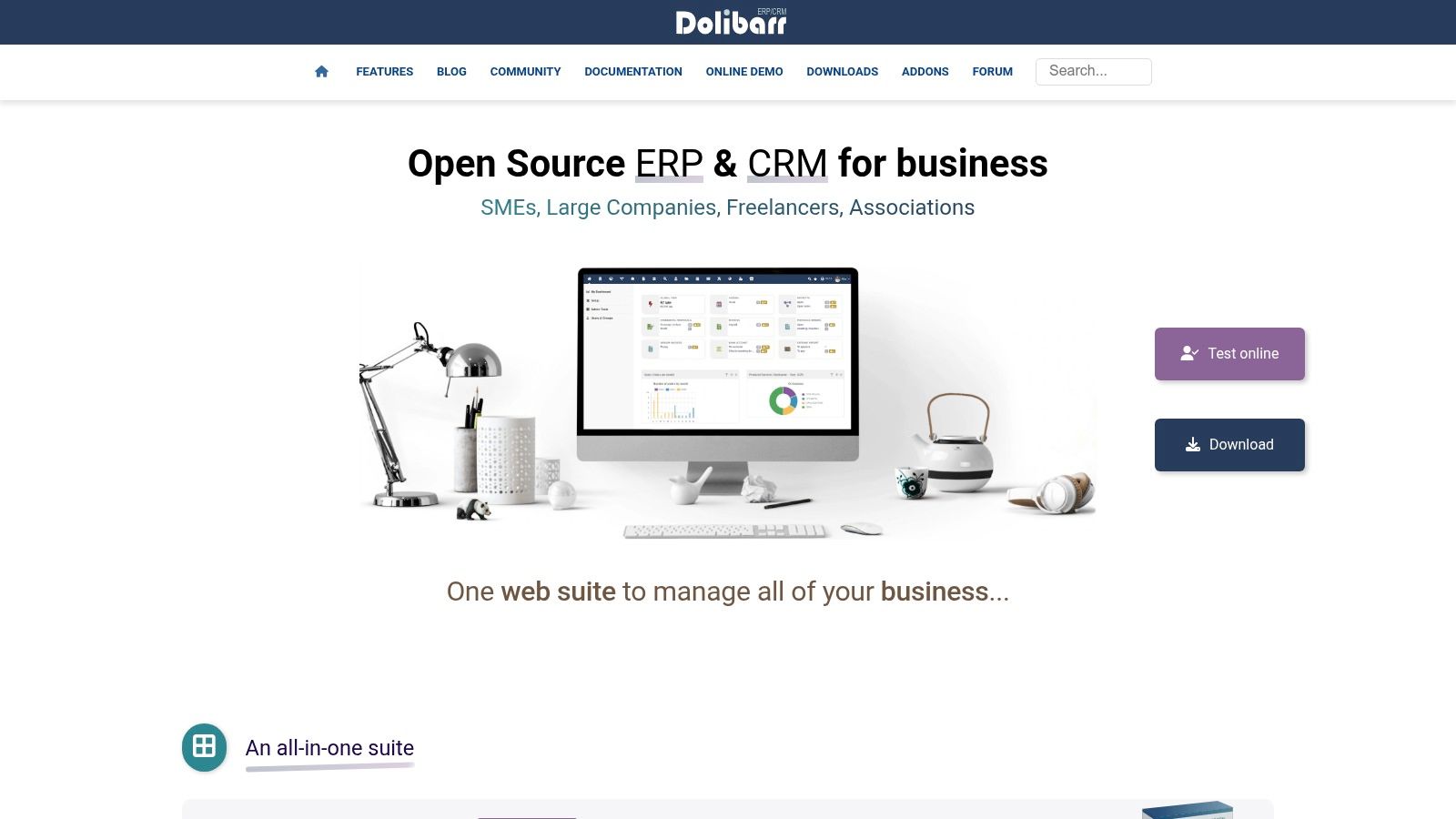
The platform’s strength lies in its modularity and control. You can install and activate only the features you need, keeping the interface clean and focused. For less technical users, the DoliWamp package for Windows provides a one-click installer that bundles the server and software, simplifying setup significantly. Its open-source nature means you own your data and can customize the software extensively, a key differentiator from cloud-based SaaS solutions. The platform is supported by an active community and an add-on marketplace, the Dolistore, for extended functionality.
Key Features and Limitations
Pros:
- Completely Free & Open-Source: No subscription fees for the core software, offering full ownership and control.
- Comprehensive Modules: Integrates accounting, CRM, inventory, HR, and project management in one system.
- High Customizability: A vast marketplace of add-ons allows for tailored functionality to fit specific business needs.
Cons:
- Requires Self-Hosting: You are responsible for installation, maintenance, and security on your own server or computer.
- Steeper Learning Curve: The extensive features and configuration options can be overwhelming for beginners.
- Limited US-Specific Features: May require manual setup or community add-ons for specific US tax rules and localizations.
Website: https://www.dolibarr.org
11. LedgerSMB
LedgerSMB is a powerful, open-source accounting and Enterprise Resource Planning (ERP) system designed for small to mid-size businesses that require granular control over their financial data. As a self-hosted solution, it offers a completely free software license, making it a compelling option for tech-savvy owners who want to avoid recurring subscription fees. It provides a robust, web-based double-entry accounting framework that includes sales, purchasing, inventory management, and even fixed asset tracking.
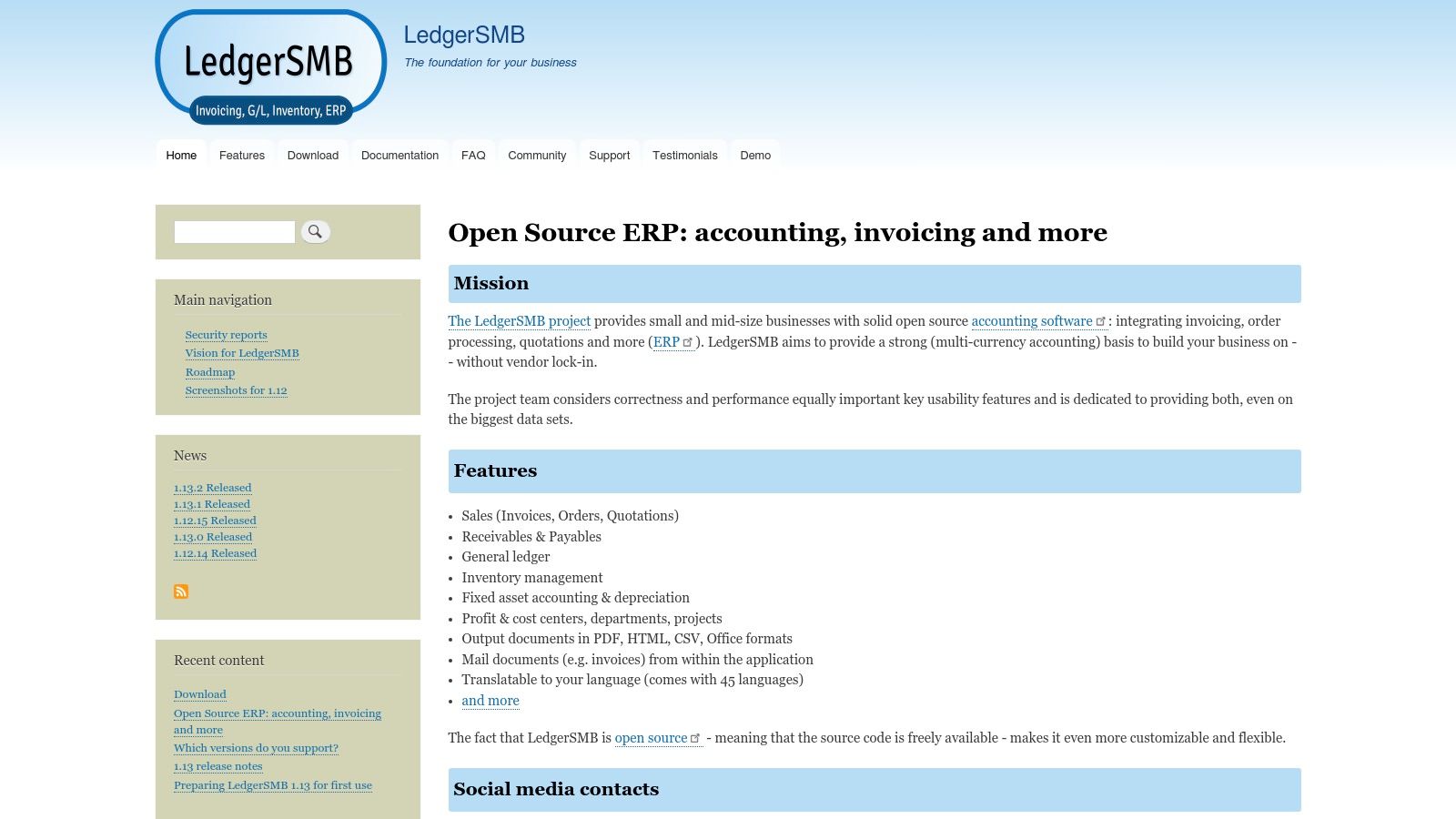
The platform stands out by prioritizing data integrity, performance, and security, built upon a reliable PostgreSQL database backend. While it lacks the polished user interface of modern SaaS products, its strength lies in its comprehensive feature set and customizability. Businesses with specific workflow needs can modify the source code to fit their operations perfectly. This level of control makes it one of the best free accounting software for small business users who value independence and have the technical resources to manage their own installation.
Key Features and Limitations
Pros:
- No License Fees: The software is entirely free to download, install, and use, with costs limited to hosting and maintenance.
- Full-Featured ERP: Goes beyond basic accounting with integrated modules for inventory, fixed assets, and multi-currency support.
- Open-Source Control: Offers complete ownership and customizability for businesses wanting to tailor the software to their needs.
Cons:
- Requires Self-Hosting: Users must provide and manage their own server and PostgreSQL database, which requires technical expertise.
- Steeper Learning Curve: The interface is more functional than intuitive, demanding more time for setup and user training.
- Limited Integrations: Lacks the extensive app marketplace and turnkey integrations found in mainstream cloud accounting tools.
Website: https://ledgersmb.org
12. TurboCASH
TurboCASH is a long-standing desktop accounting package for Windows, offering a unique proposition in an era dominated by cloud software. Its free TurboCASH 4 download provides a complete, open-source, double-entry accounting system, making it a powerful option for businesses on a strict budget that prefer offline software. This traditional approach makes it a noteworthy contender for the best free accounting software for small business owners who need robust, local control over their financial data without recurring fees.
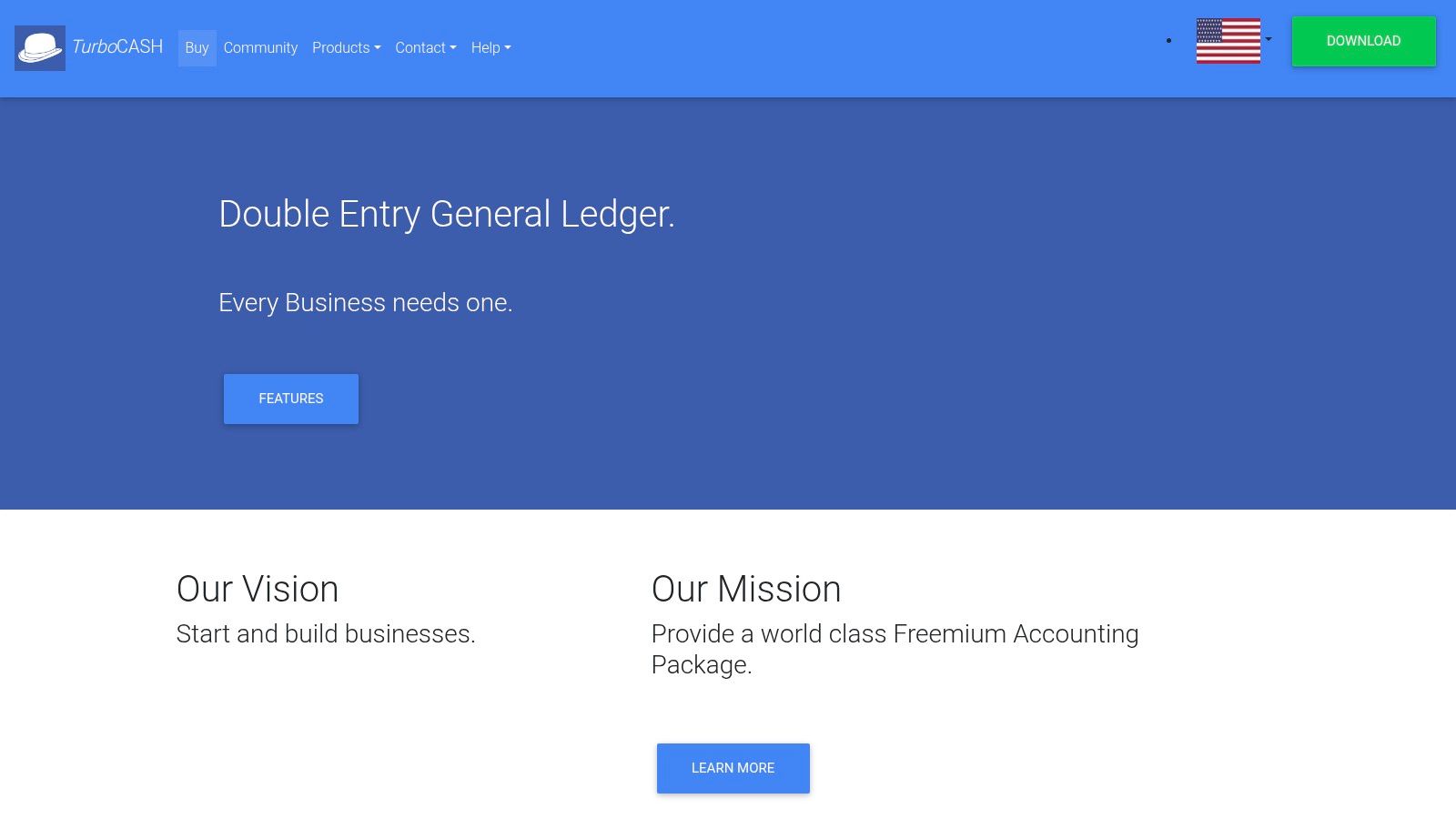
The platform’s strength lies in its full-featured nature, even in the free version. It handles core general ledger functions, accounts receivable, accounts payable, and inventory control. It also supports multiple companies and allows users to customize reports and documents like invoices and statements. For those needing modern features and dedicated support, a low-cost subscription to TurboCASH 5 (Business Class) is available, providing an upgrade path within the same ecosystem. This model allows users to start for free and only pay if their needs evolve.
Key Features and Limitations
Pros:
- Completely Free Desktop Software: The core TurboCASH 4 product is a zero-cost download for Windows, offering full accounting functionality.
- Multi-Company Support: Manage the books for several business entities from a single installation at no extra cost.
- Customizable Documents: Users can tailor invoices, reports, and other financial documents to fit their brand.
Cons:
- Dated User Interface: The UI and overall experience feel older compared to modern, web-based accounting tools.
- Windows-Only: It is a desktop application designed exclusively for the Windows operating system.
- Free Version is Older: The free build is an older software branch; the latest features and support require a paid subscription.
Website: https://www.turbocash.net
Top 12 Free Accounting Software Comparison
| Product | Core features | Ease / Quality ★ | Price / Value 💰 | Best for 👥 | Key strengths ✨/🏆 |
|---|---|---|---|---|---|
| Wave | Accounting, invoicing, bank reconciliation; payments & payroll add-ons | ★★★★ | 💰 Free core; payment & payroll fees | 👥 Freelancers & very small US/CA businesses | ✨ Integrated payments + payroll, easy onboarding 🏆 |
| Zoho Books | Invoicing, expenses, bank reconciliation, 1099/W‑9 support | ★★★★ | 💰 Free (eligible micro businesses); clear paid tiers | 👥 Micro businesses with revenue under cap | ✨ Strong reporting & compliance at entry level 🏆 |
| ZipBooks | Unlimited invoicing, basic bookkeeping, 1 bank connection, payment integrations | ★★★★ | 💰 Free Starter; low-cost upgrades | 👥 Small teams wanting simple UI | ✨ Easy to adopt with smooth upgrade path |
| GnuCash | Full double‑entry ledger, scheduled transactions, desktop apps (Win/Mac/Linux) | ★★★ | 💰 Completely free (open‑source) | 👥 Users needing offline ledgers / DIY accounting | ✨ Robust double‑entry engine with no limits 🏆 |
| Manager | AR/AP, inventory, fixed assets, free Desktop edition; Cloud/Server paid | ★★★★ | 💰 Free Desktop; paid Cloud/Server options | 👥 Single‑user desktop businesses that may scale | ✨ Full feature set free for desktop; easy upgrades |
| Akaunting | Self‑hosted invoices/bills, multi‑currency, app marketplace | ★★★ | 💰 Free self‑host; paid cloud & marketplace apps | 👥 Tech‑savvy SMBs wanting extensibility | ✨ Marketplace + self‑host freedom |
| NCH Express Accounts | Invoicing, A/R & A/P, 20+ reports, free for <5 employees | ★★★ | 💰 Free (<5 employees); paid licenses for larger orgs | 👥 Very small businesses (<5 employees) | ✨ Simple setup with built‑in reports |
| Odoo Accounting (Community) | Invoicing, bank feeds, reconciliation; integrates with ERP apps | ★★★ | 💰 Free Community self‑host; Enterprise paid | 👥 Firms wanting ERP integration | ✨ Scales into full ERP ecosystem 🏆 |
| ERPNext | GL, AR/AP, fixed assets, multi‑currency + CRM/inventory/projects | ★★★ | 💰 Free self‑host; paid cloud/support | 👥 Teams needing full open‑source ERP | ✨ Deep accounting + ERP modules; active community 🏆 |
| Dolibarr ERP/CRM | Double‑entry accounting, invoicing, inventory, POS, add‑on marketplace | ★★★ | 💰 Free download; paid add‑ons available | 👥 Small firms wanting modular ERP/CRM | ✨ Modular apps + easy Windows installer |
| LedgerSMB | Sales, AR/AP, inventory, fixed assets; web‑based, PostgreSQL backend | ★★★ | 💰 Free self‑host; optional commercial support | 👥 SMBs wanting a web open‑source accounting stack | ✨ Focus on correctness & performance |
| TurboCASH | Double‑entry ledger, multi‑company, customizable reports | ★★ | 💰 Free TurboCASH4; paid TurboCASH5 subscription | 👥 Cost‑sensitive Windows users | ✨ Zero‑cost entry on Windows; multi‑company support |
Final Thoughts
Navigating the world of free accounting software can feel like a monumental task, but the right tool is out there waiting to streamline your financial operations without draining your budget. As we’ve explored, the landscape of the best free accounting software for small business is diverse, offering everything from simple, cloud-based invoicing for freelancers to robust, open-source ERP systems for growing enterprises. The key takeaway is that "free" does not mean ineffective; it simply means you need to be more strategic in your selection process.
Your journey began with a need to organize your finances, and now you are equipped with a detailed roadmap. We have analyzed a wide array of options, from the user-friendly interface of Wave, ideal for service-based businesses, to the comprehensive, self-hosted power of ERPNext, designed for companies that need integrated management across all departments. Each tool presents a unique trade-off between ease of use, feature depth, and technical requirements.
Key Takeaways: Matching the Tool to Your Business Stage
The most critical factor in your decision is not just what a platform offers, but how its features and limitations align with your specific business model and growth trajectory.
For Freelancers and Solopreneurs: Simplicity is paramount. Tools like Wave and ZipBooks shine here, offering straightforward invoicing, expense tracking, and basic reporting. Their limitations, such as a single user or limited integrations, are often non-issues for a business of one.
For Small Retail or Service Businesses: As your needs grow to include inventory or project management, solutions like Zoho Books (with its generous free plan) or Akaunting become compelling choices. They provide a clear upgrade path and a more extensive feature set to manage growing operational complexity.
For Tech-Savvy Owners and Scaling Businesses: If you have the technical resources or the willingness to learn, open-source giants like GnuCash, Manager, or even Odoo offer unparalleled control and customization. They demand more initial setup but provide a scalable foundation that can evolve with your business, free from vendor lock-in.
Actionable Next Steps: From Selection to Implementation
Choosing your software is just the first step. To ensure a smooth transition and long-term success, follow this practical implementation plan:
- Shortlist Your Top Three: Based on our detailed reviews and your unique business needs (service vs. product, team size, technical comfort), select no more than three top contenders.
- Conduct a Hands-On Trial: Sign up for each of your shortlisted options. Don’t just look at the dashboard; perform real-world tasks. Create an invoice, log an expense with a receipt, and run a Profit & Loss report. This practical test is the only way to truly gauge usability.
- Evaluate Data Portability: Before committing, investigate the data export process. Can you easily download your chart of accounts, customer list, and transaction history in a standard format like CSV or Excel? Future-proofing your data is non-negotiable.
- Plan for Growth: Consider the "what if" scenarios. What happens if you need to hire an employee, add inventory, or accept multi-currency payments? Ensure your chosen software has a clear, affordable upgrade path or the flexibility to accommodate these changes.
Ultimately, the best free accounting software for small business is the one that removes friction from your financial management, providing clarity and saving you time. By investing a little effort now to make an informed choice, you are building a stable financial foundation that will support your business as it thrives. The perfect system is not about having every feature imaginable; it's about having the right features that empower you to make smarter, data-driven decisions with confidence.
Don't let disorganized receipts slow down your new accounting workflow. Create clean, professional, and itemized receipts in seconds with ReceiptGen. Our tool makes it easy to generate documentation that imports seamlessly into any of the accounting platforms mentioned, ensuring your expense tracking is always accurate and up-to-date. Try ReceiptGen for free and perfect your bookkeeping process from start to finish.